Pastel Cozy Aesthetic Chat and Alert Widget Set
✨ Aesthetic Pastel Modular Chat and Alert System for Twitch
Transform your streaming environment into a haven of relaxation with our premium Cozy Aesthetic Pastel Chat and Alert System. This widget set is meticulously crafted for streamers who prioritize a clean, minimalist, and "comfy" broadcast style. Unlike standard all-in-one widgets that force a rigid layout, this system is uniquely modular. By providing the chat and alert systems as two separate, dedicated files, we give you the ultimate creative freedom to arrange your overlay exactly how you want it. You can choose to use them together for a perfectly synchronized look or utilize them individually to fit specific screen compositions. The soft pastel color palette and smooth fade-in animations are designed to reduce visual clutter, allowing your content and personality to shine while still providing professional interaction tools for your loyal community.
🚀 Key Features
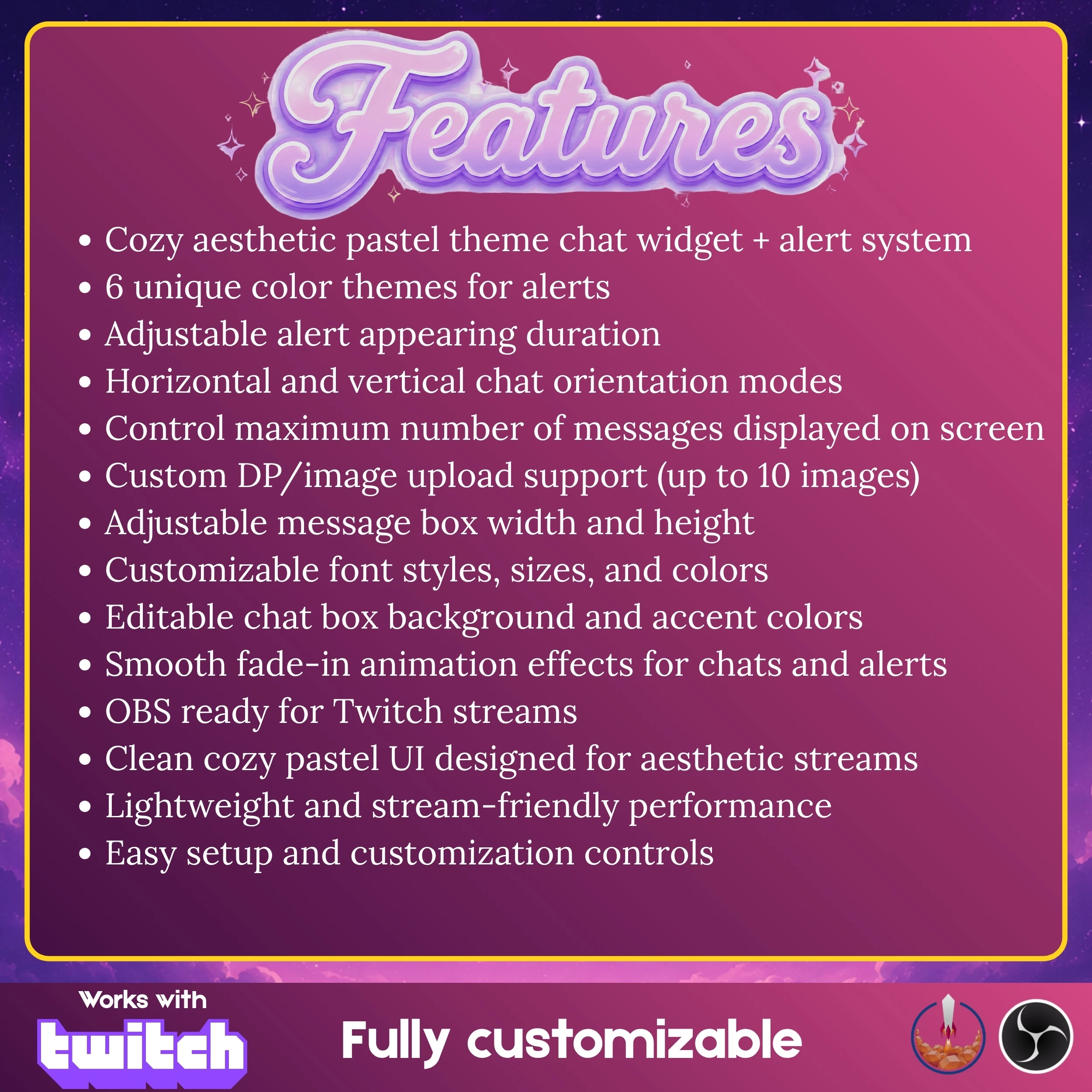
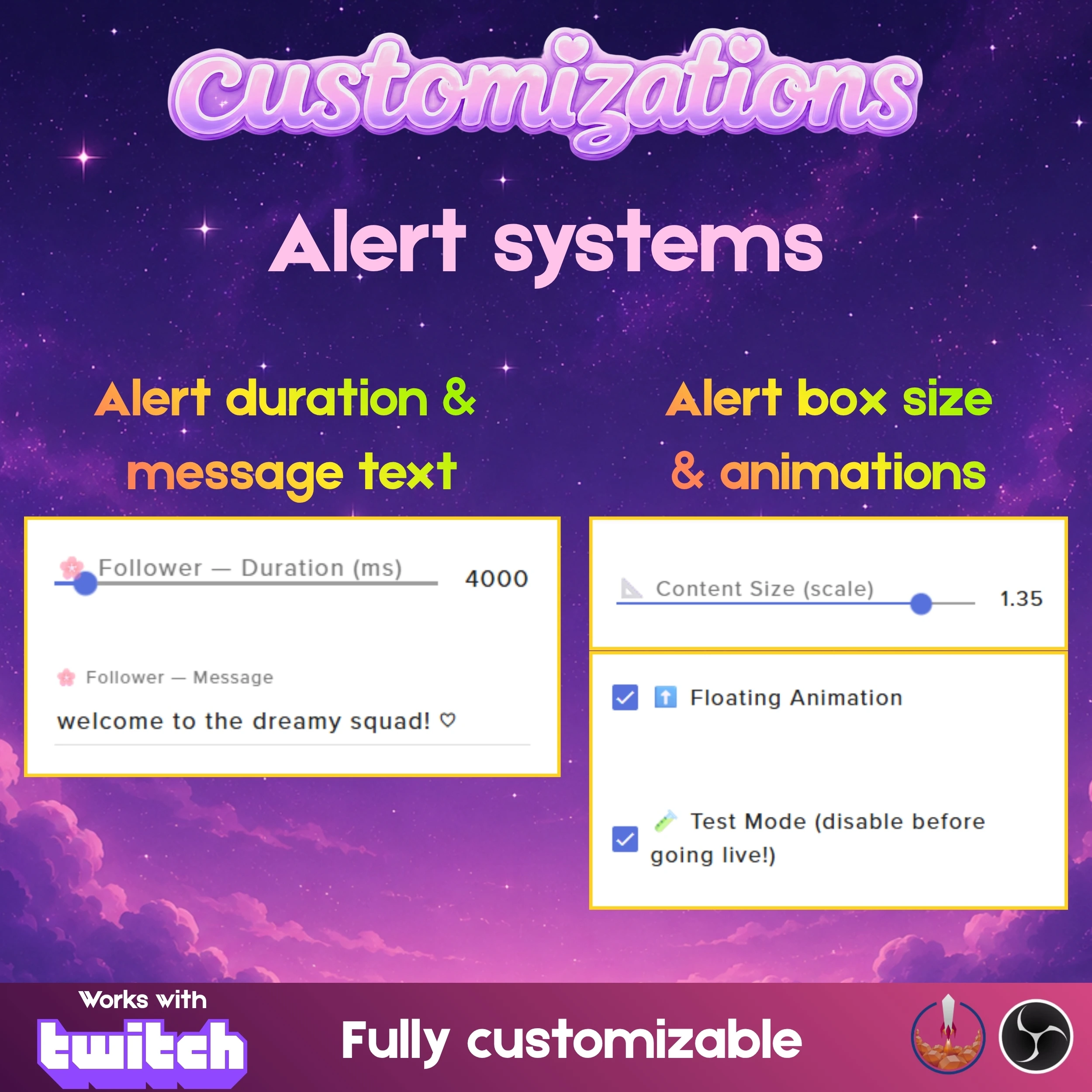
Modular File System: This product includes two distinct files, allowing you to run the chat and alerts independently or together for maximum layout flexibility.
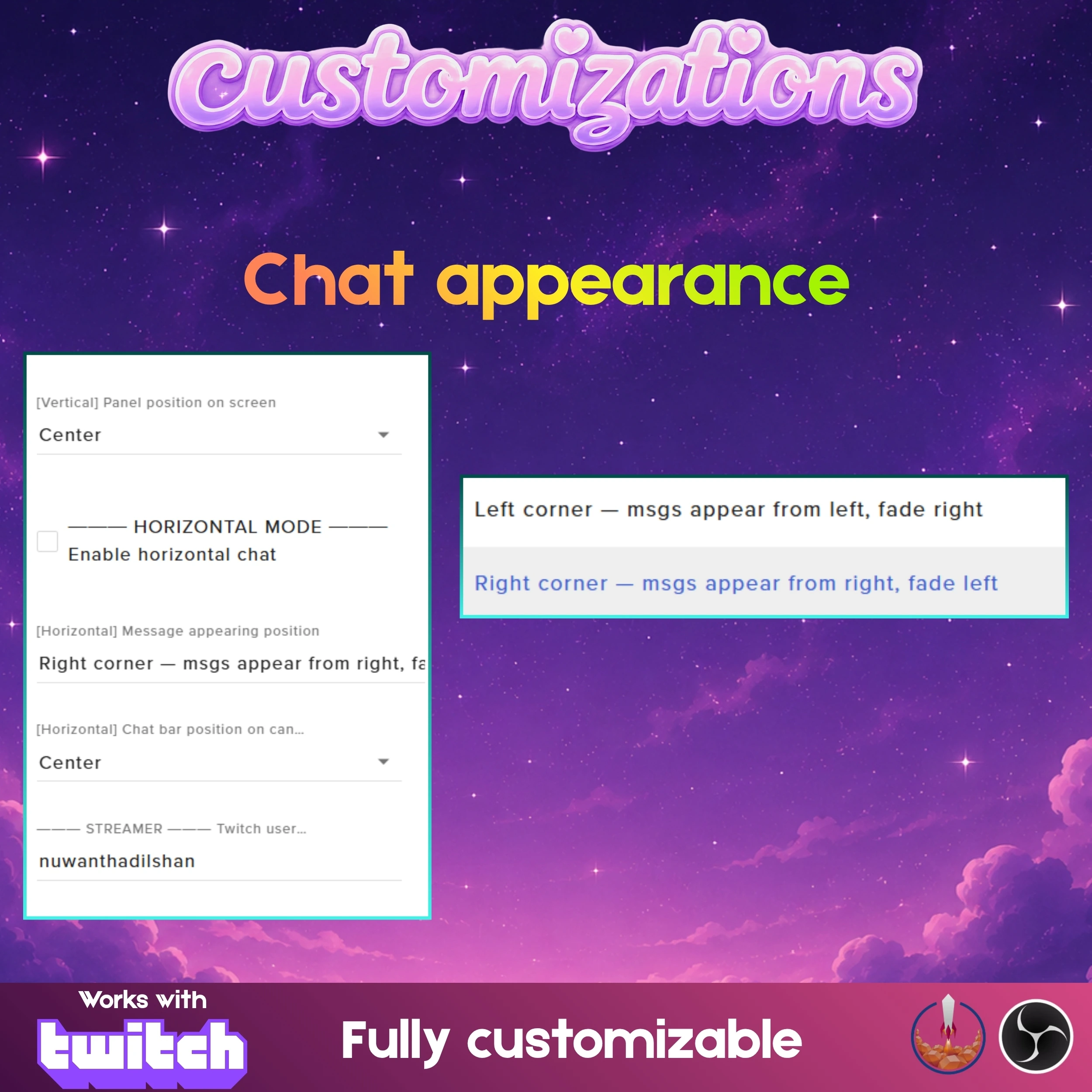
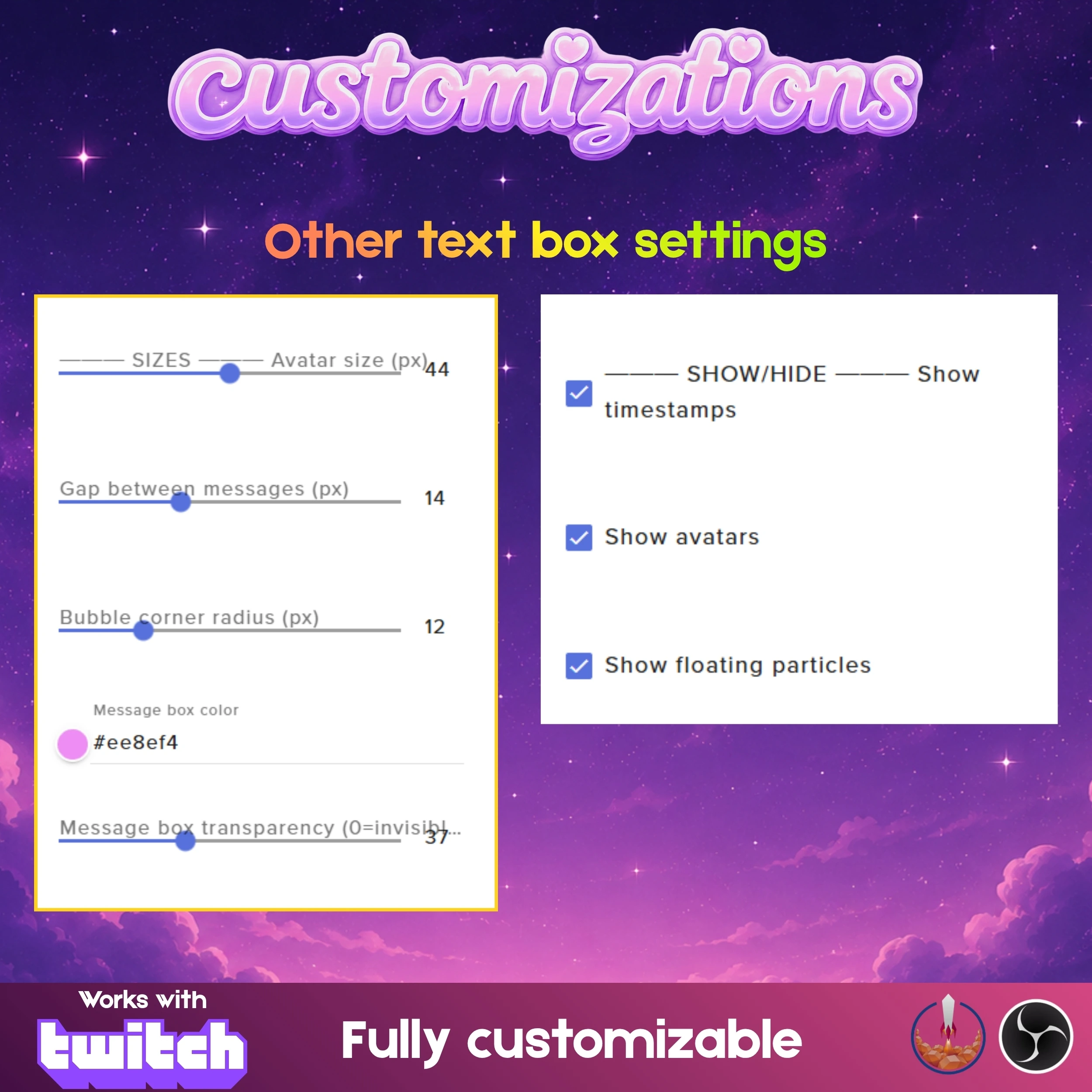
Versatile Chat Orientations: Easily switch between horizontal and vertical chat modes to suit your specific stream goals and overlay requirements perfectly.
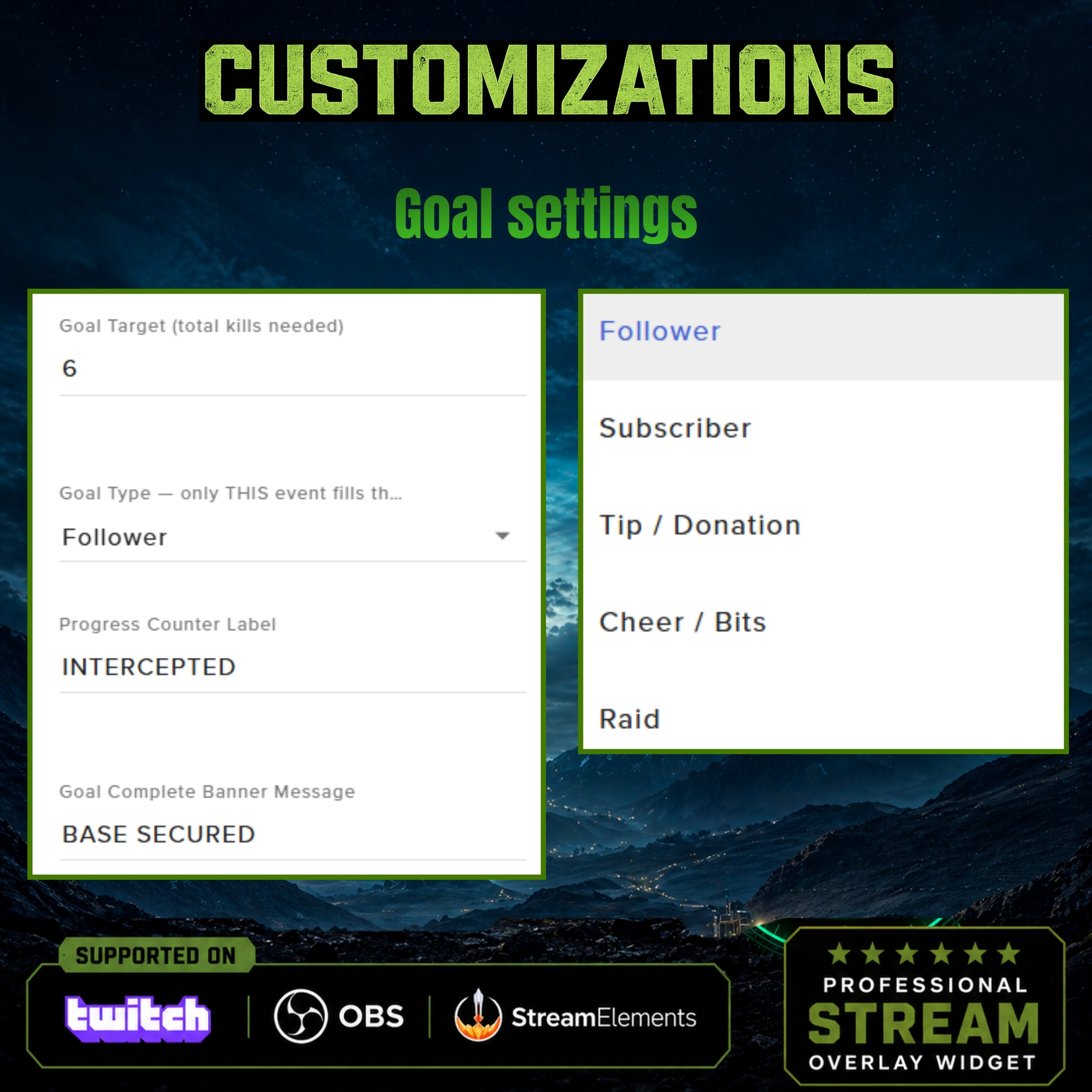
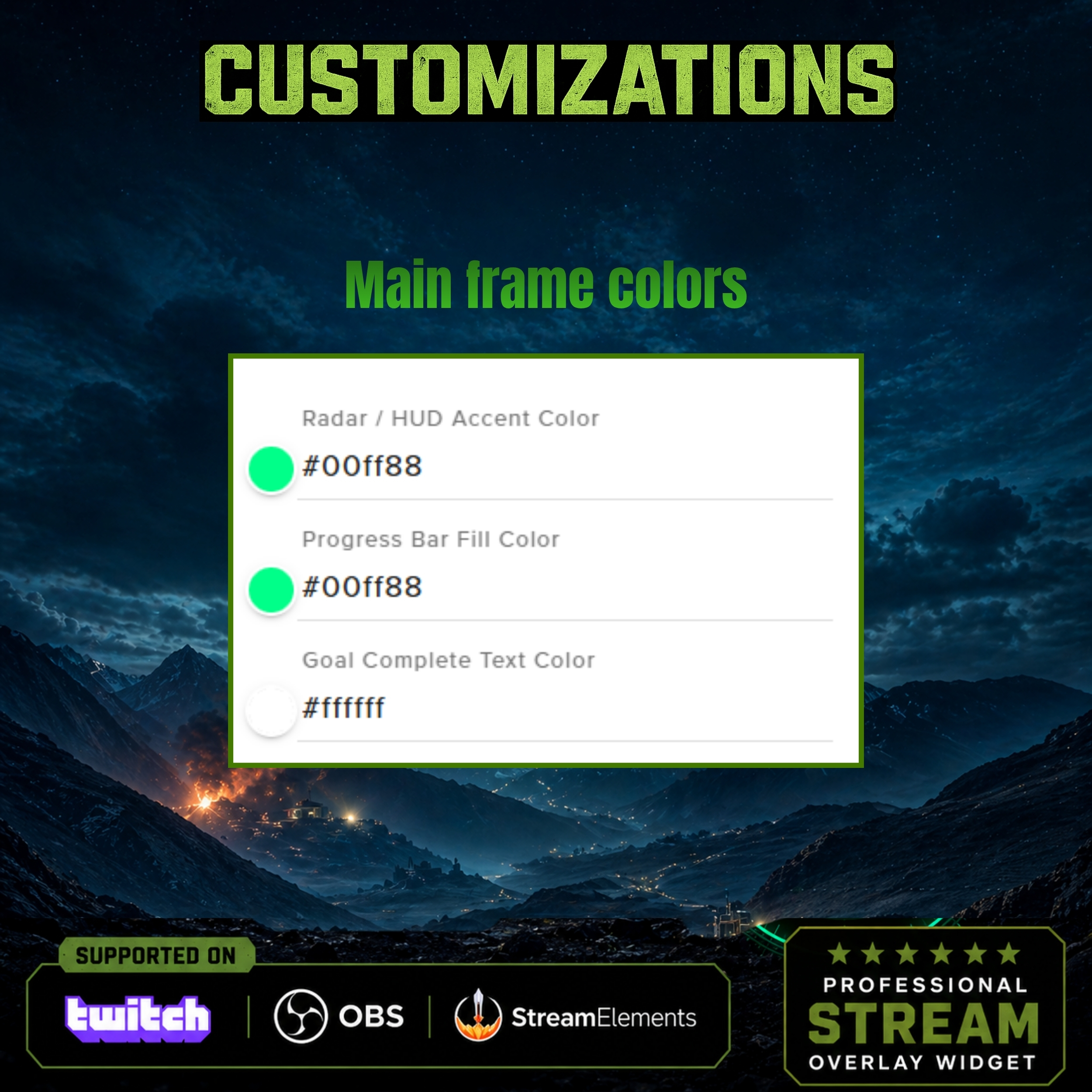
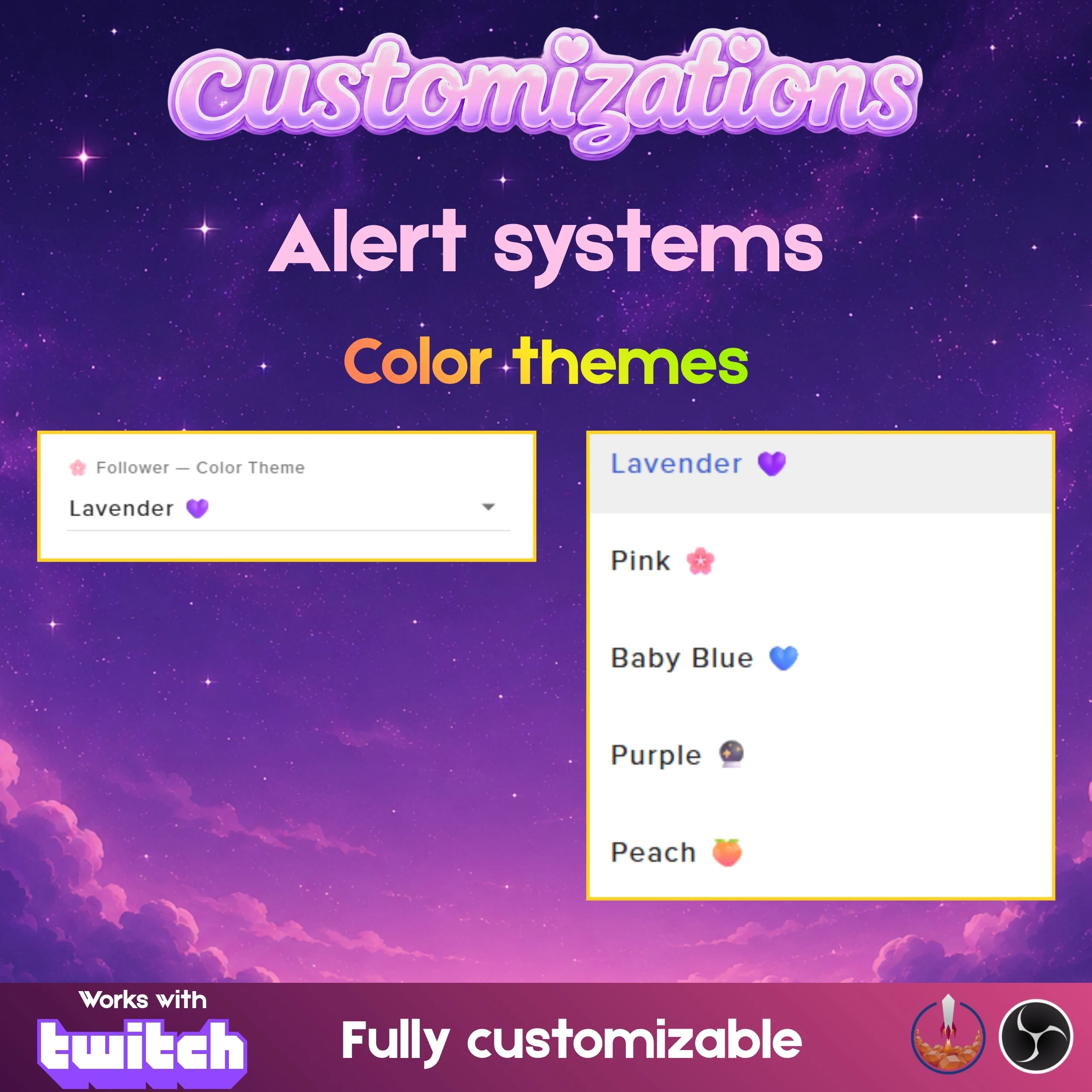
Extensive Color Themes: Select from six professionally designed pastel color themes or use the deep customization tools to create your own unique color scheme.
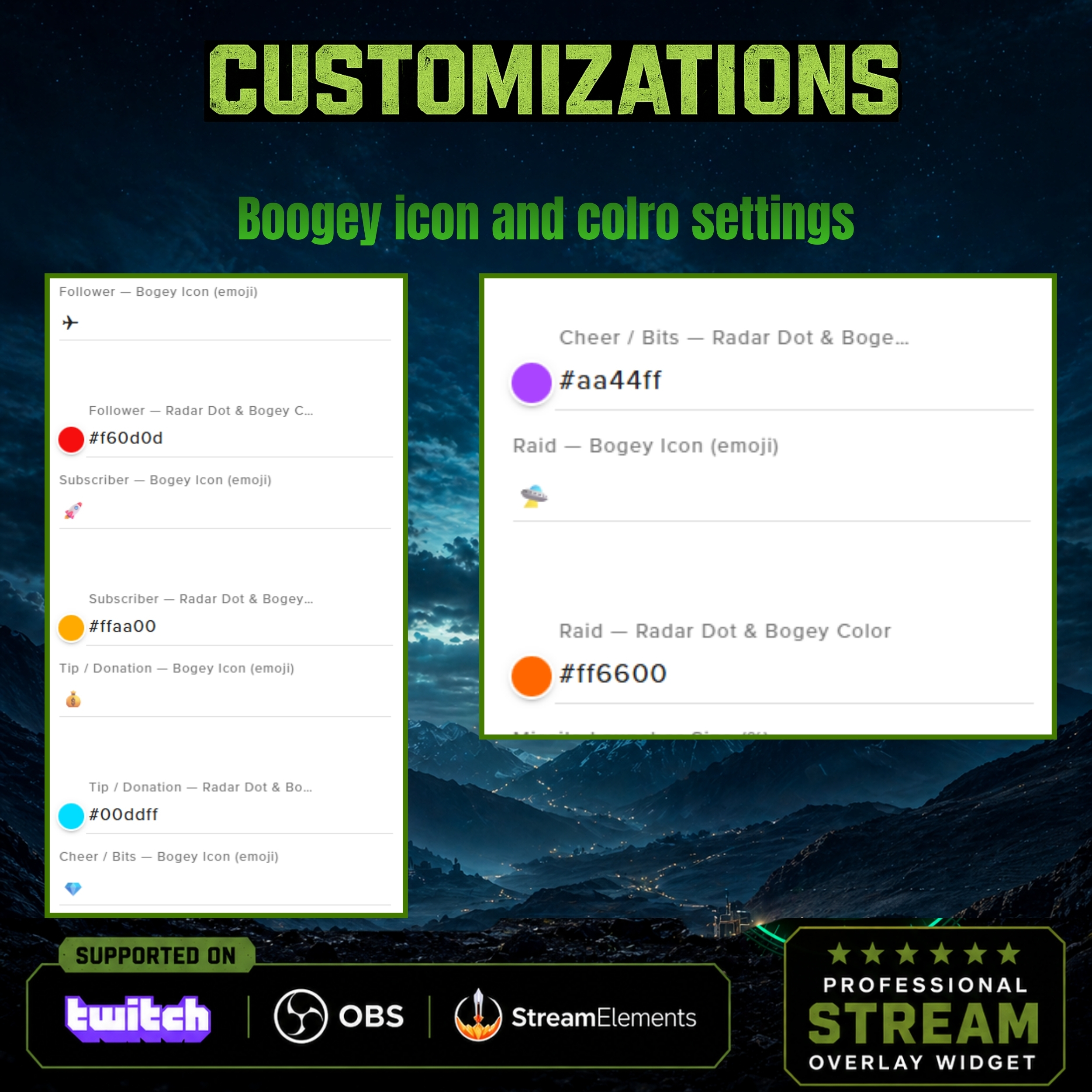
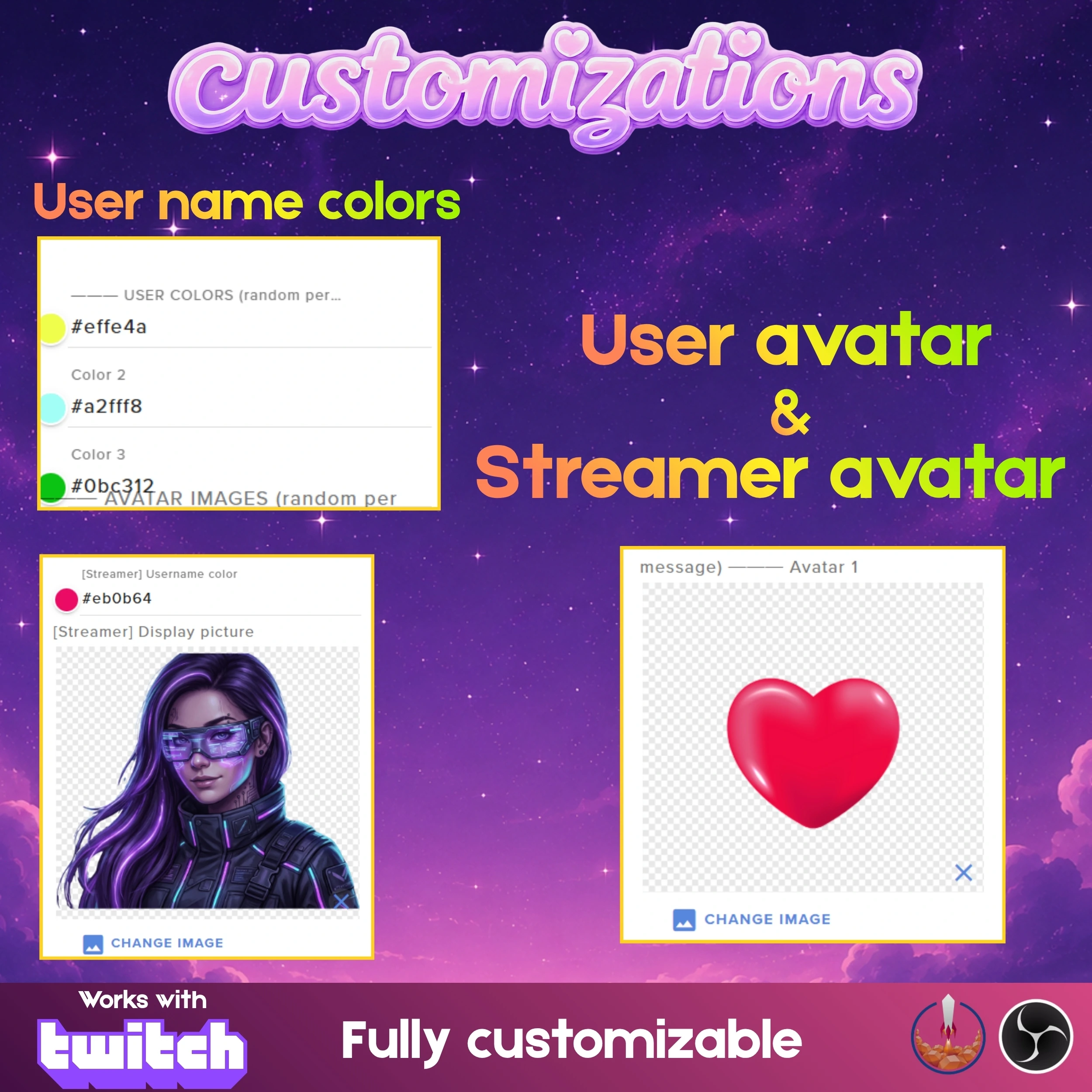
Custom Asset Integration: Personalize your interaction boxes by uploading up to 10 of your own images or icons to represent your channel's unique brand.
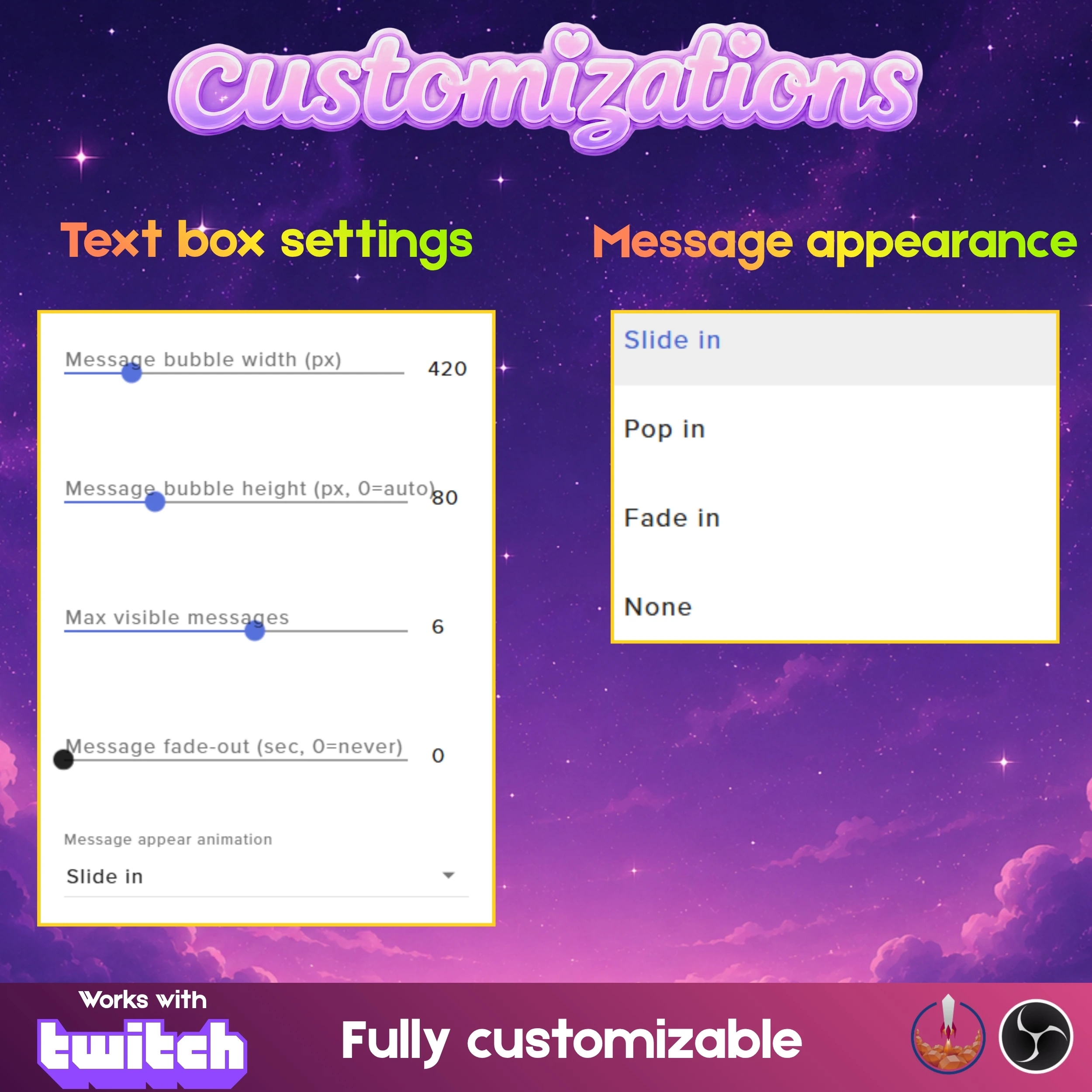
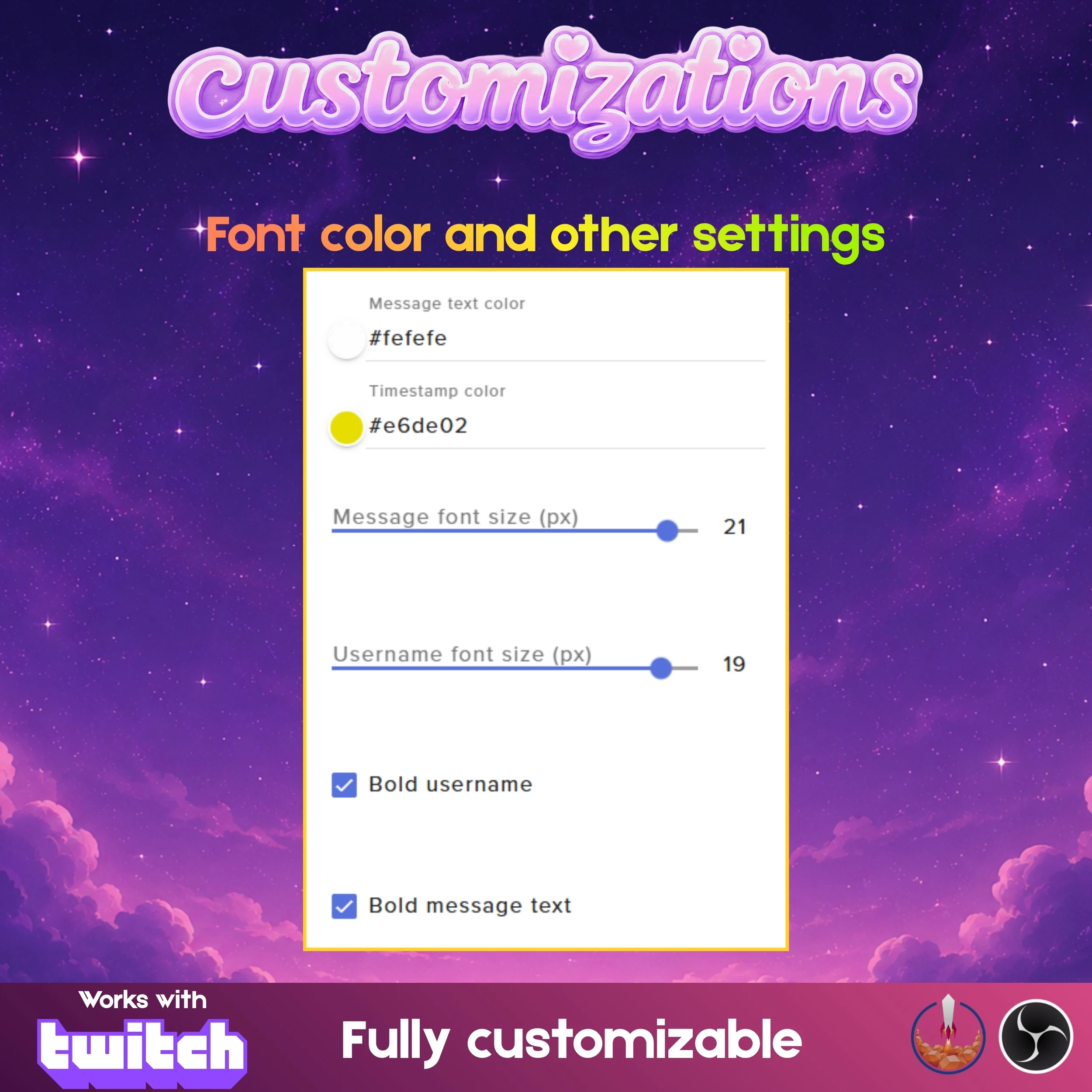
Total Font Control: Maintain perfect readability with adjustable font styles, sizes, and colors, ensuring your chat remains accessible to all your viewers.
⚙️ How It Works
Integrating this modular system into your broadcast is a seamless and efficient process. tell a full guide pdf will be provided and if you have any issue please contact our designin team for immediate support. The guide specifically explains how to handle the two separate files for chat and alerts, giving you a walkthrough on importing them into StreamElements and adding them as individual browser sources in OBS. This separation ensures that you can move, resize, and toggle each element without affecting the other, providing a truly custom professional setup.
📌 Important Notes
This widget is fully optimized for Twitch and requires a StreamElements account for backend data tracking. It is compatible with OBS Studio and any streaming software that supports browser sources. Because the system uses two separate files, ensure you create two dedicated browser sources in OBS to take full advantage of the modular positioning features. We recommend enabling hardware acceleration for the smoothest animation results.
💬 Need Help or Custom Design?
If you need any help setting things up, customizing your widget, or want a fully custom design made just for your stream, feel free to contact me.
Discord: https://discord.gg/jWcjy7furP
Email: support@getstreamwidgets.com
What's Included
Product Details
- PublishedMay 11, 2026
- UpdatedMay 11, 2026
- Total Views58
- PlatformTwitch
- Widget TypesChat WidgetsAlert Widgets
Similar Products
More items from this category