Neon Cyberpunk Chat Widget and Integrated Stream Alerts
✨Futuristic Neon Cyberpunk Chat and Alert System
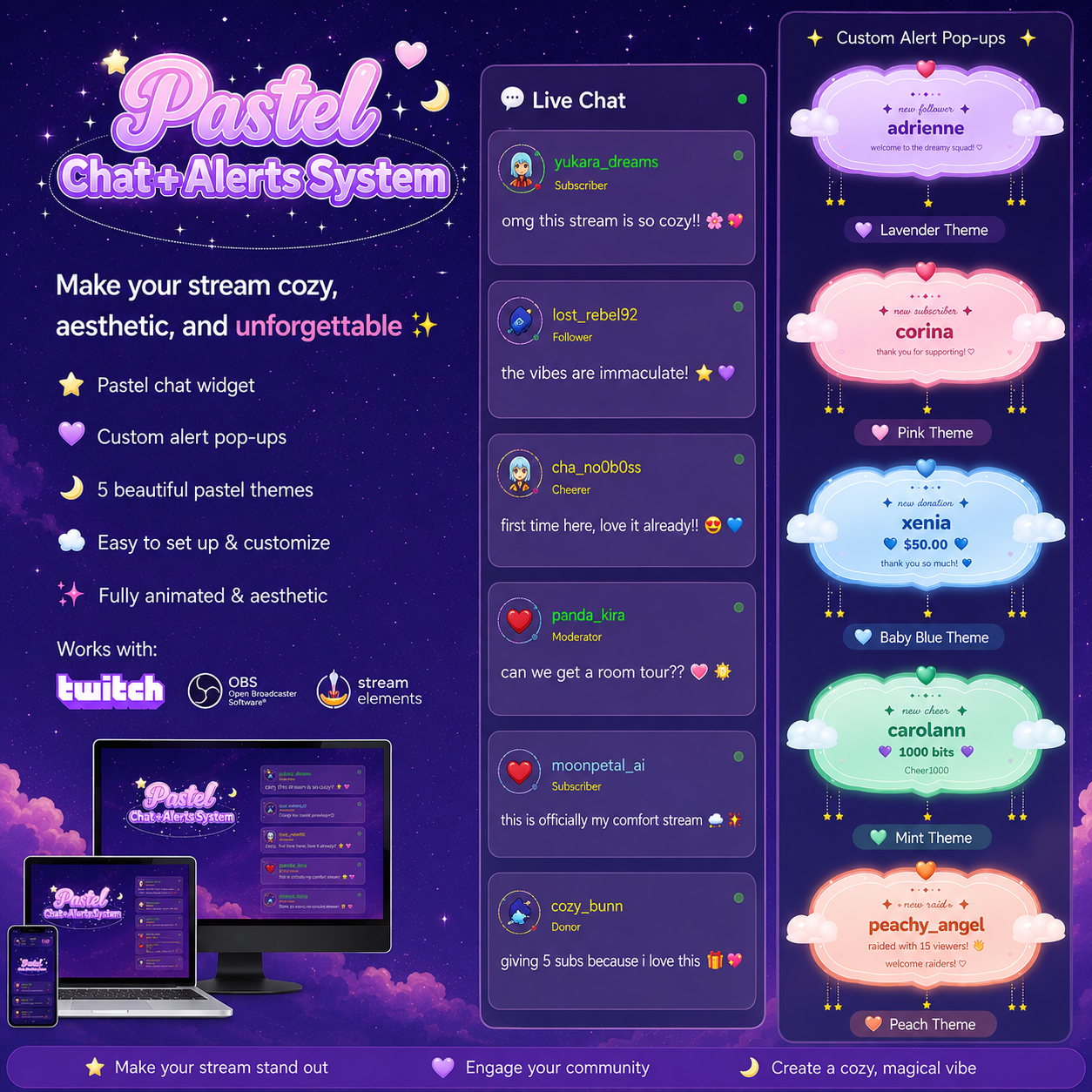
Immerse your viewers in a high-tech, neon-drenched reality with our Neon Cyberpunk Chat Widget and Alert System. This all-in-one streaming solution is designed specifically for Twitch streamers who want to elevate their production value beyond the standard, generic overlays. By combining a sleek, futuristic chat display with an integrated alert system, you create a cohesive aesthetic that keeps your audience engaged and makes every supporter feel like a vital part of your digital world. The neon glows and digital glitch effects are meticulously crafted to provide that signature cyberpunk vibe, ensuring your stream stands out in the crowded directory with a polished, high-end look that resonates with fans of sci-fi and gaming culture. This widget is not just about looks; it is about creating a seamless interactive environment for your community.
🚀 Key Features
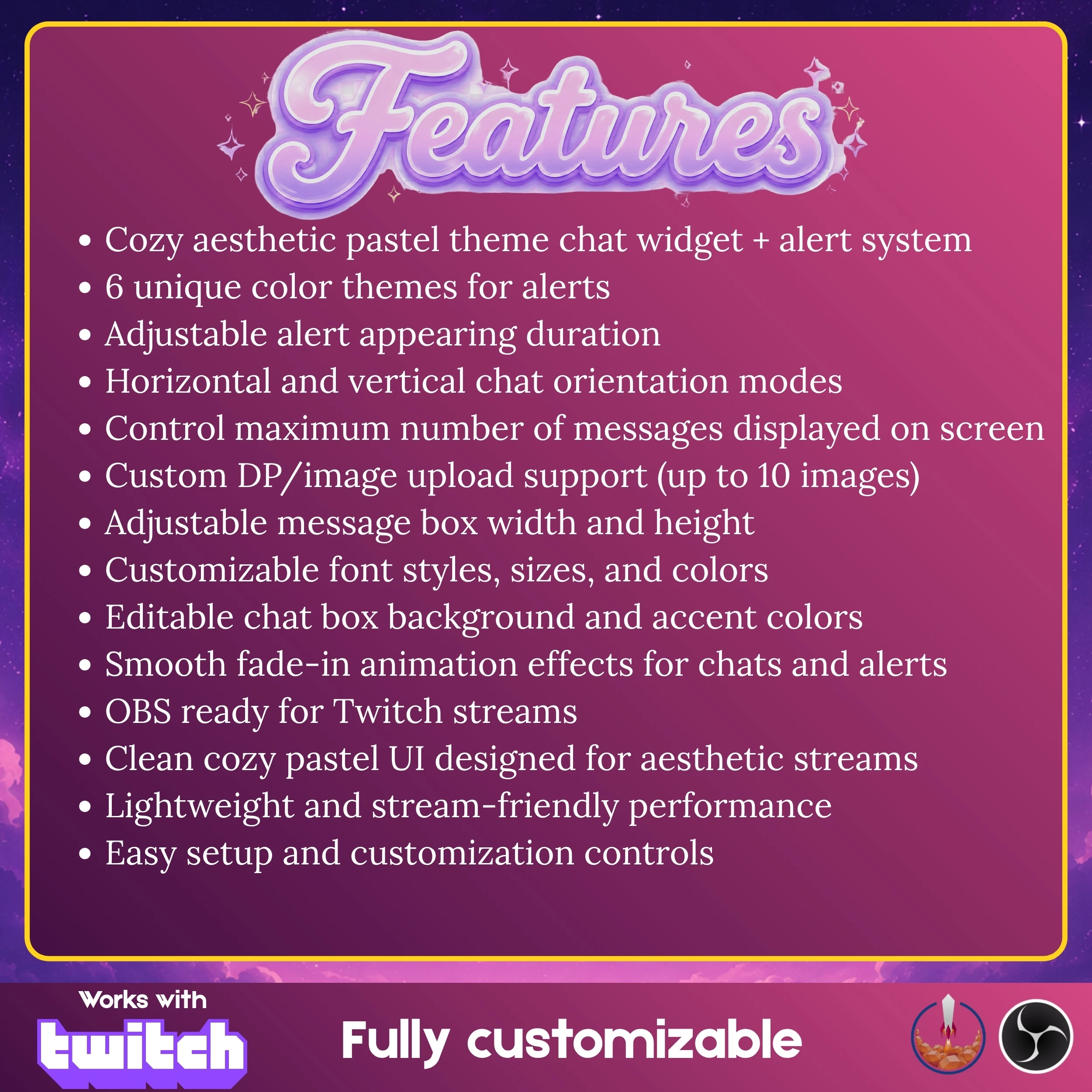
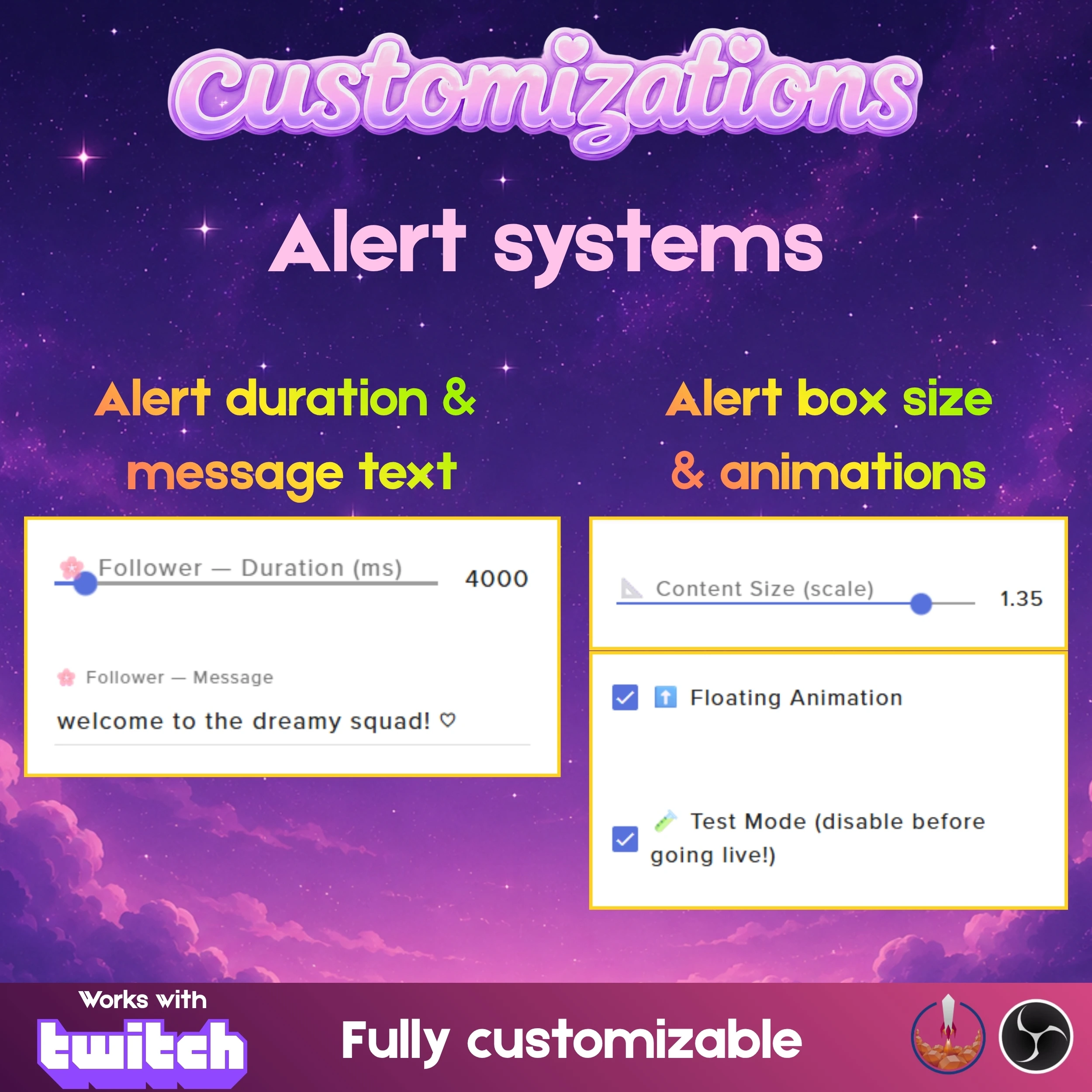
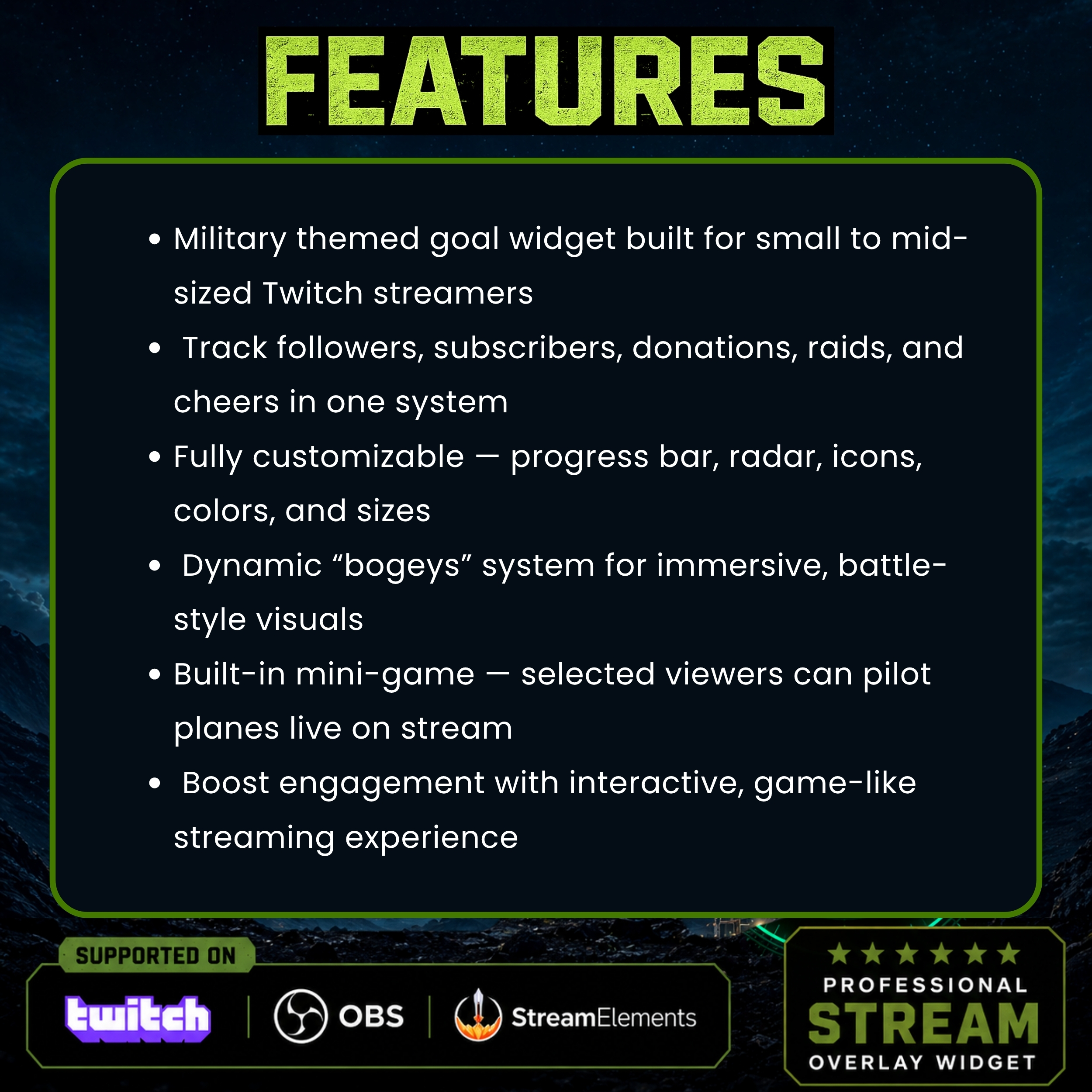
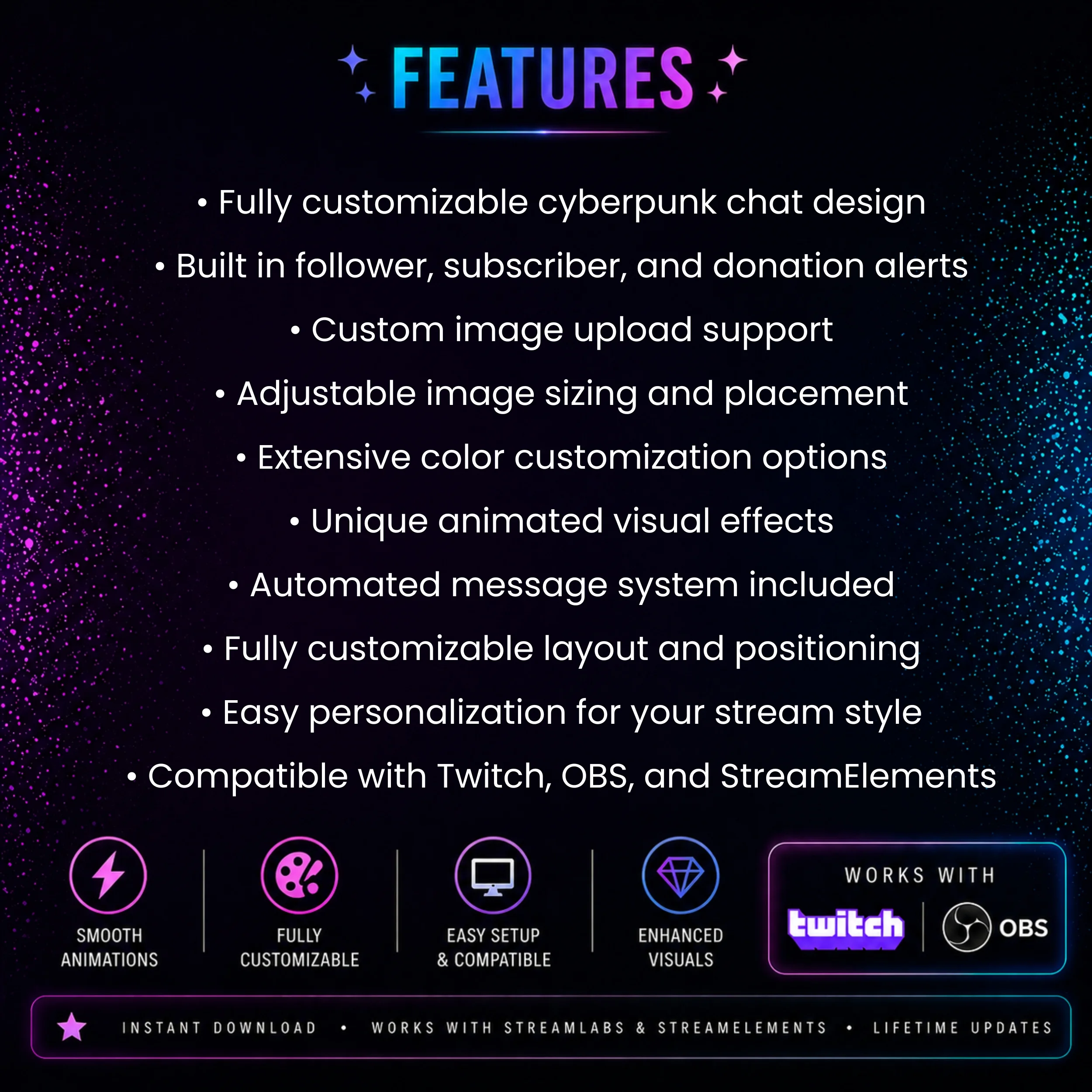
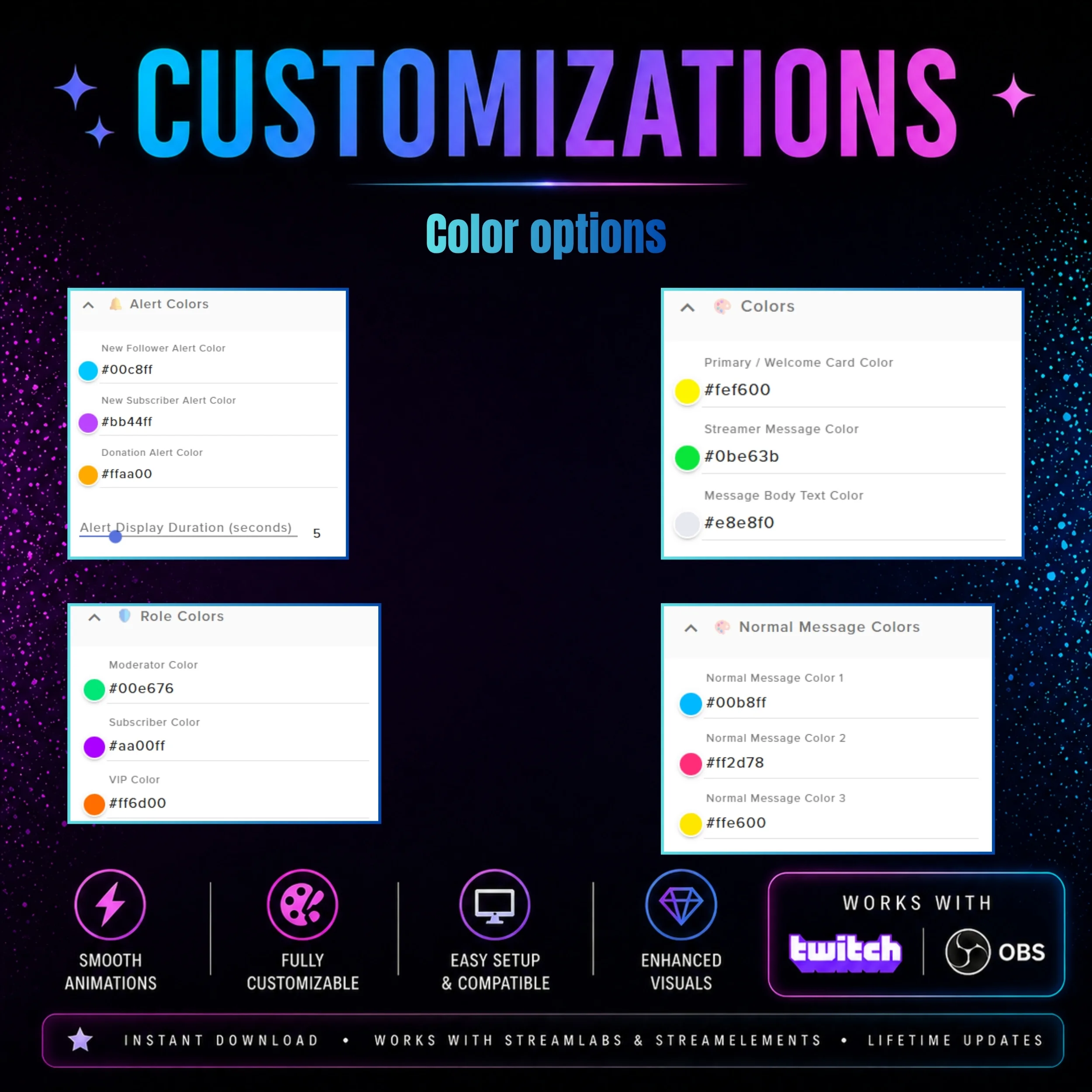
Integrated Alert System: Stay on top of your stream growth with built-in alerts for followers, subscribers, and donations that match the chat design.
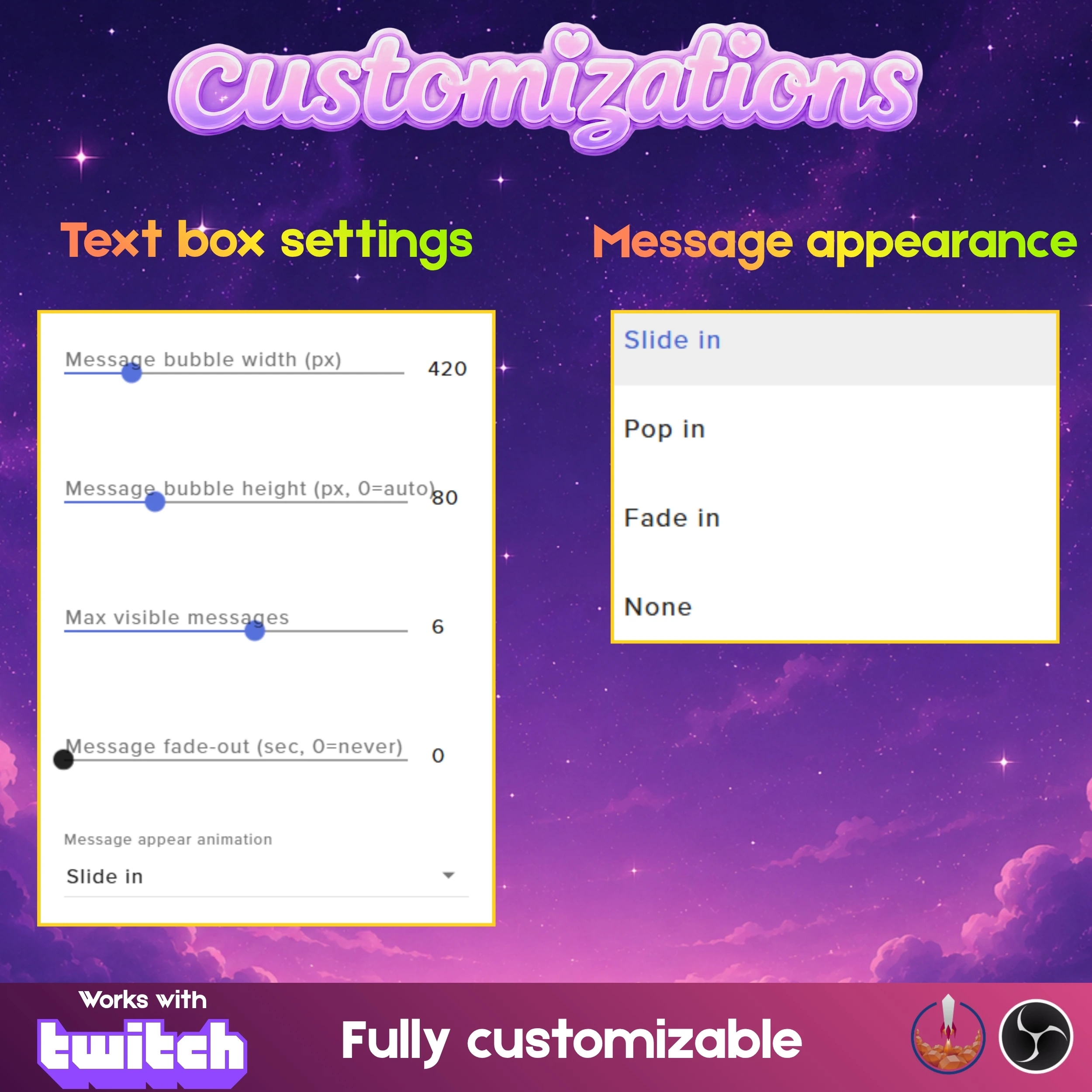
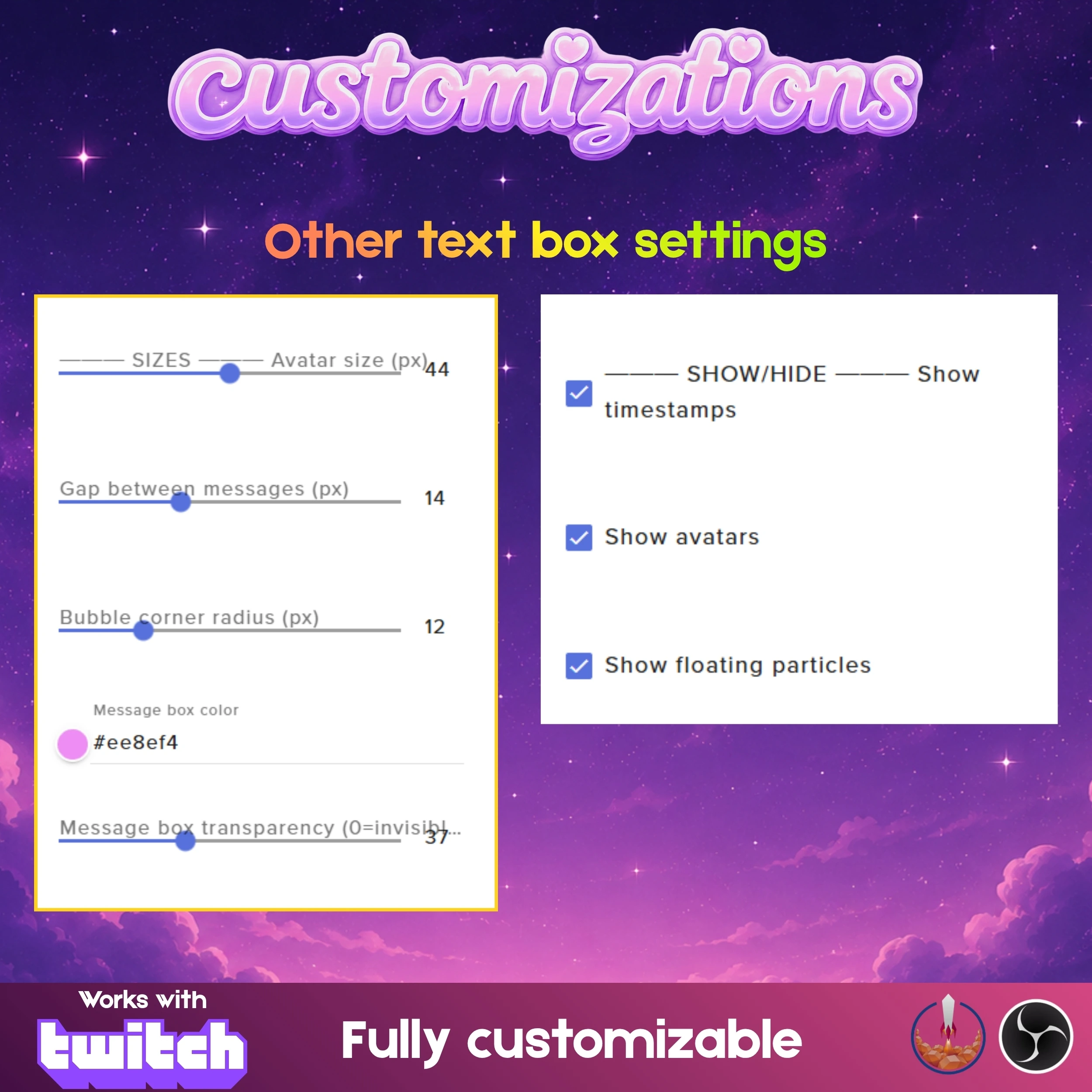
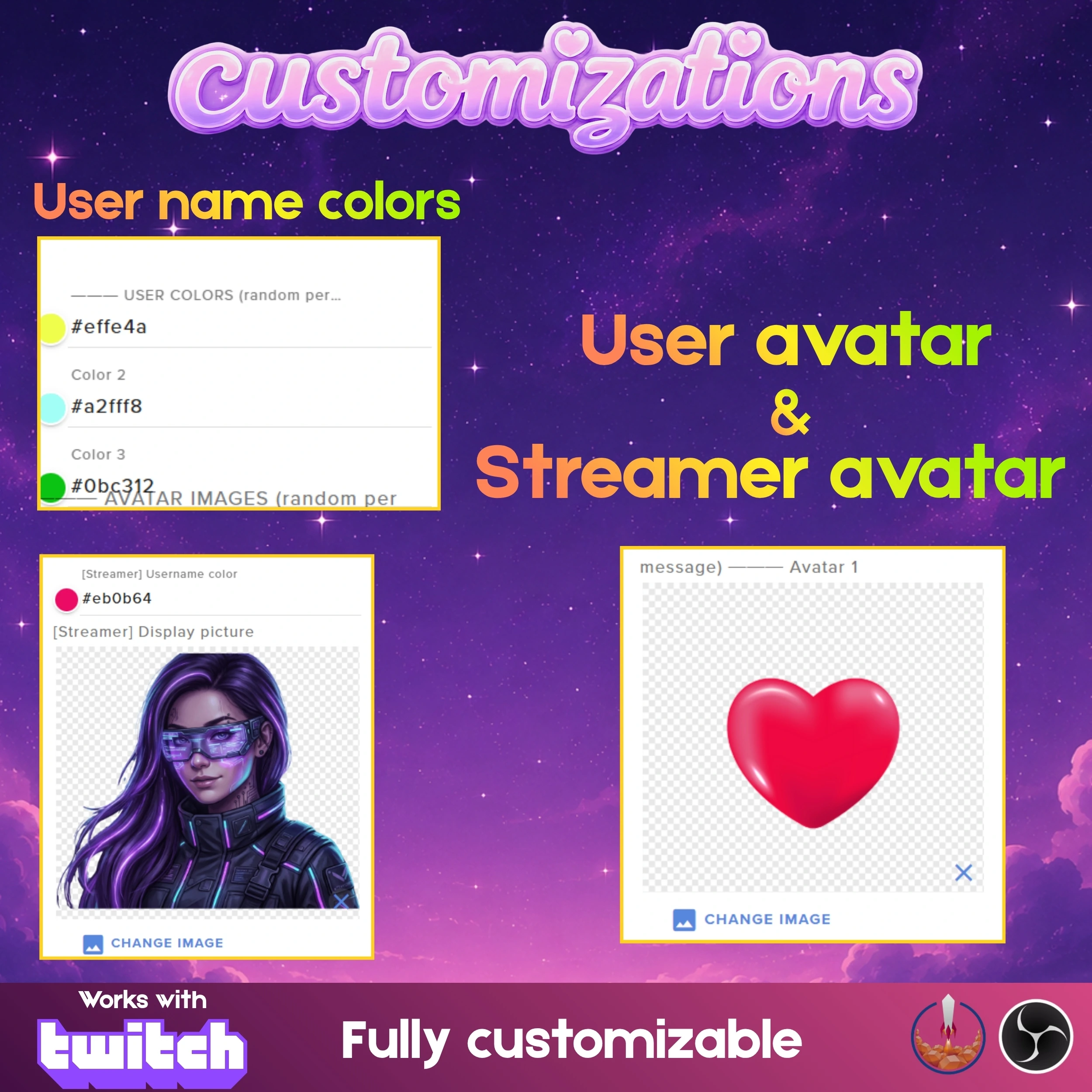
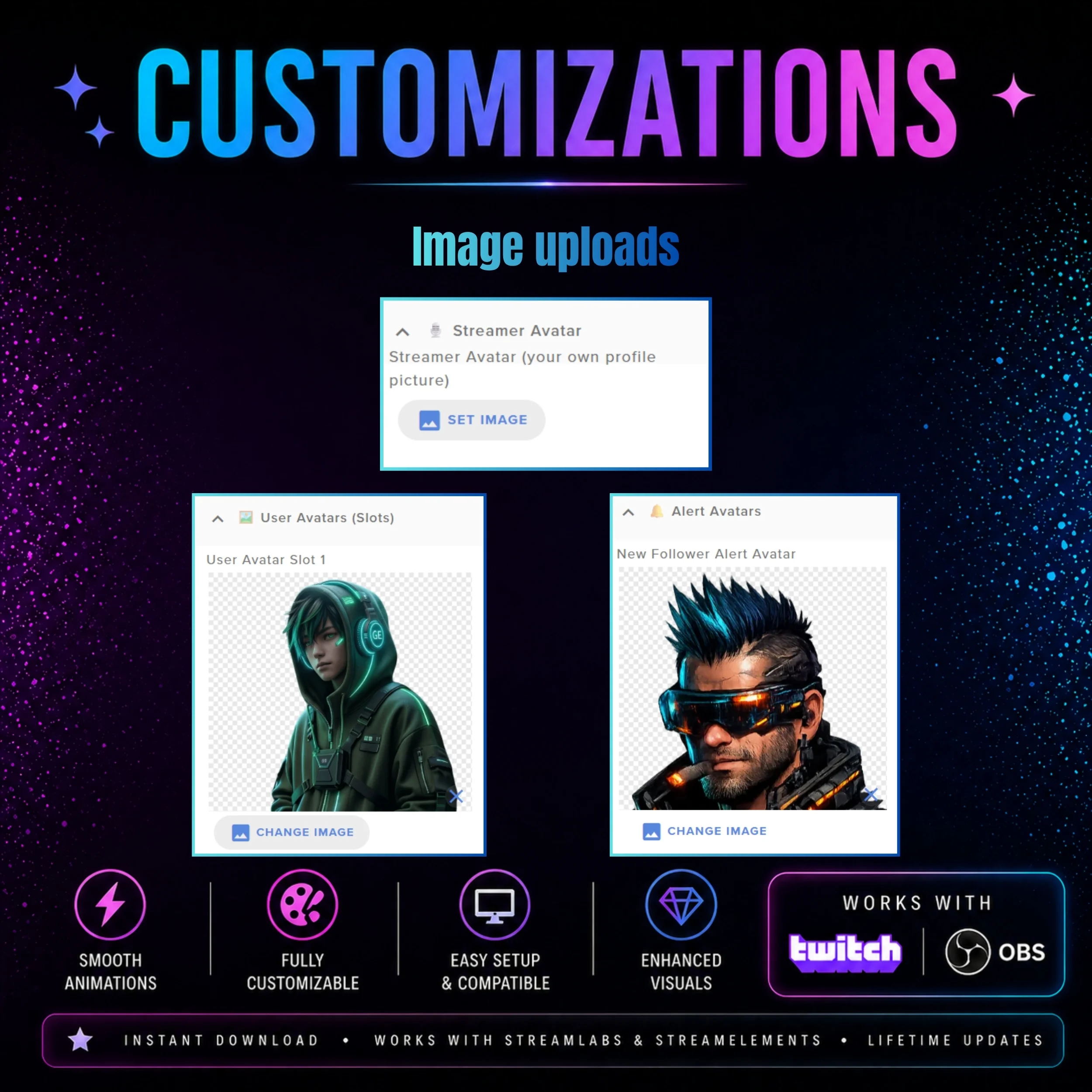
Custom Asset Support: Personalize your overlay by uploading your own images, with full control over image sizing and placement within the widget.
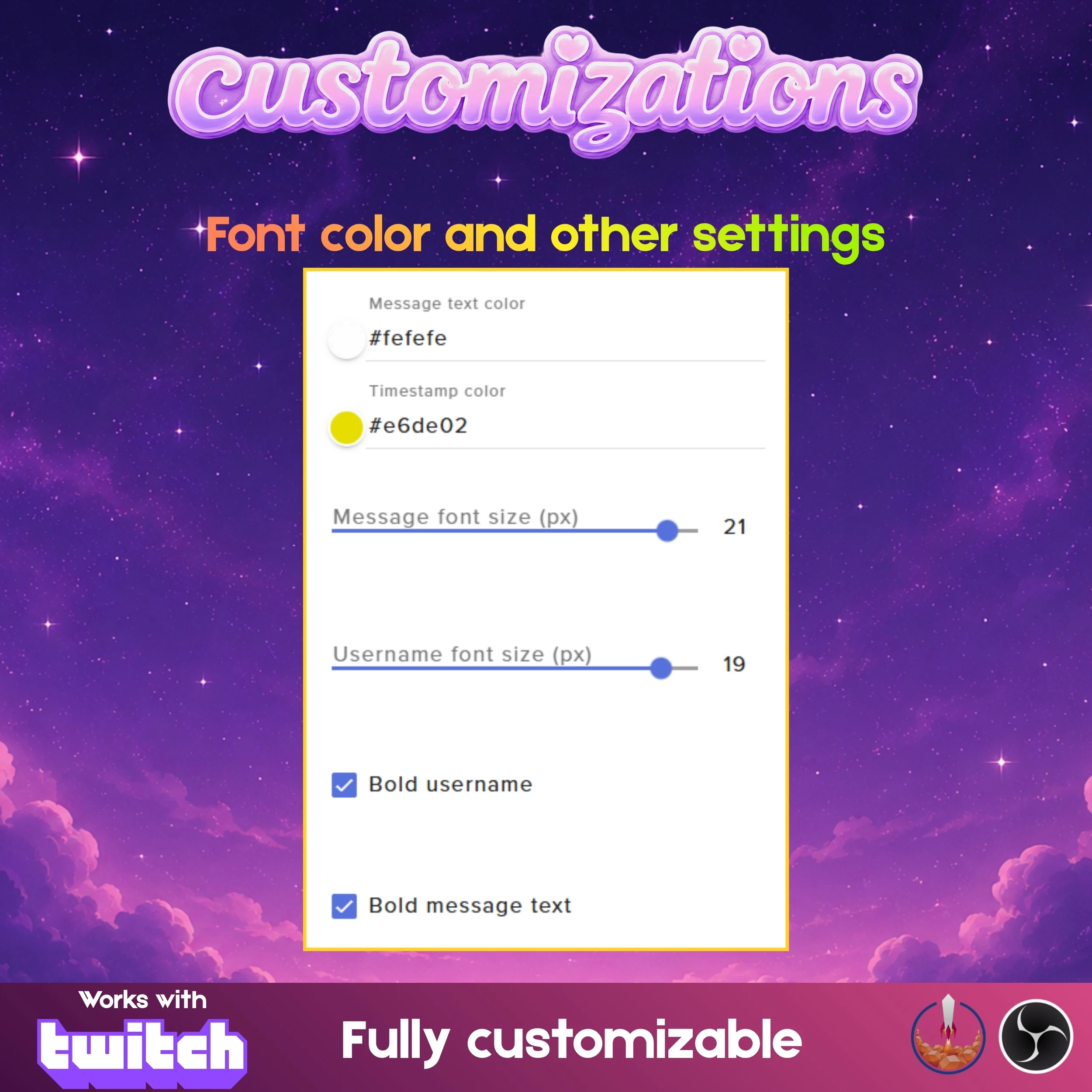
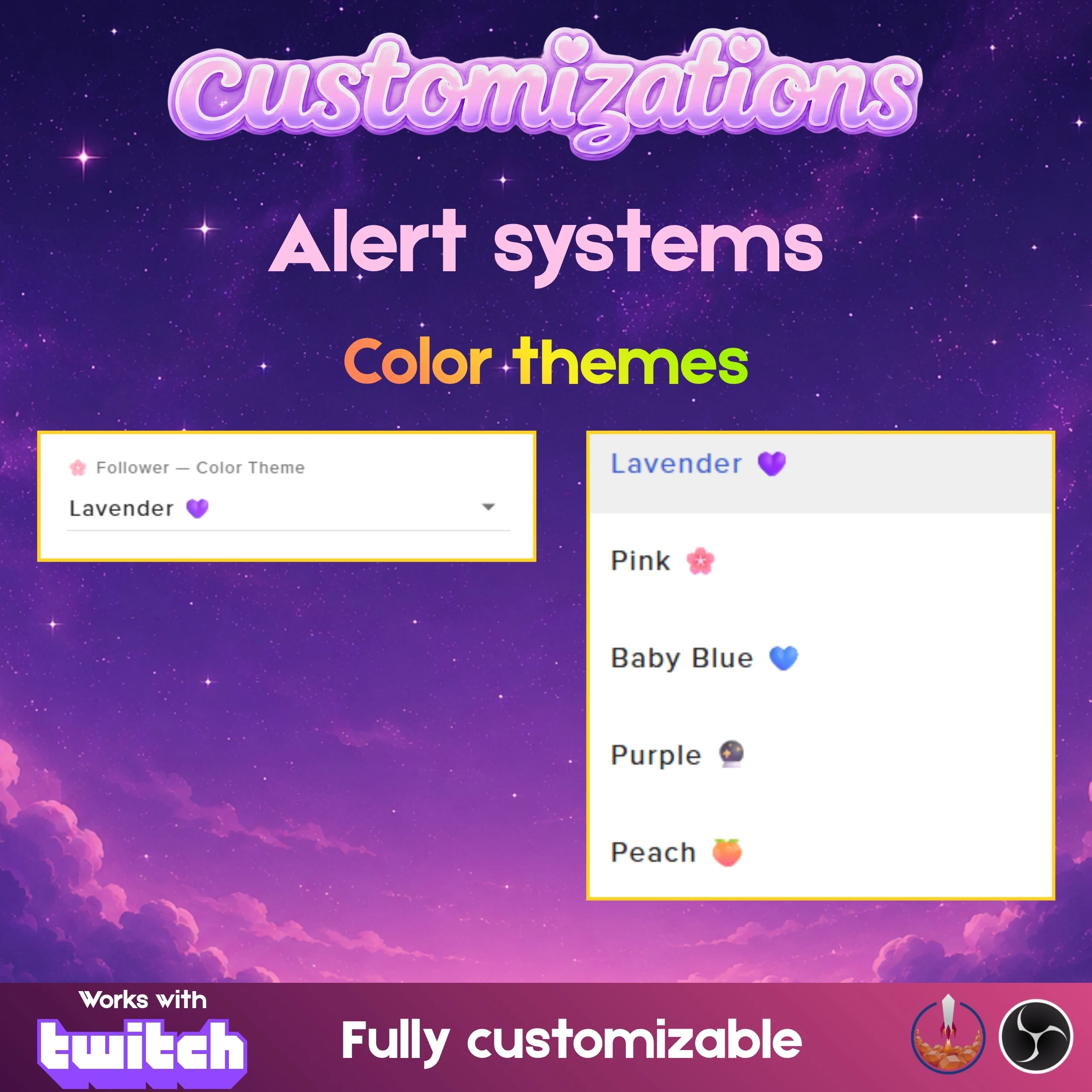
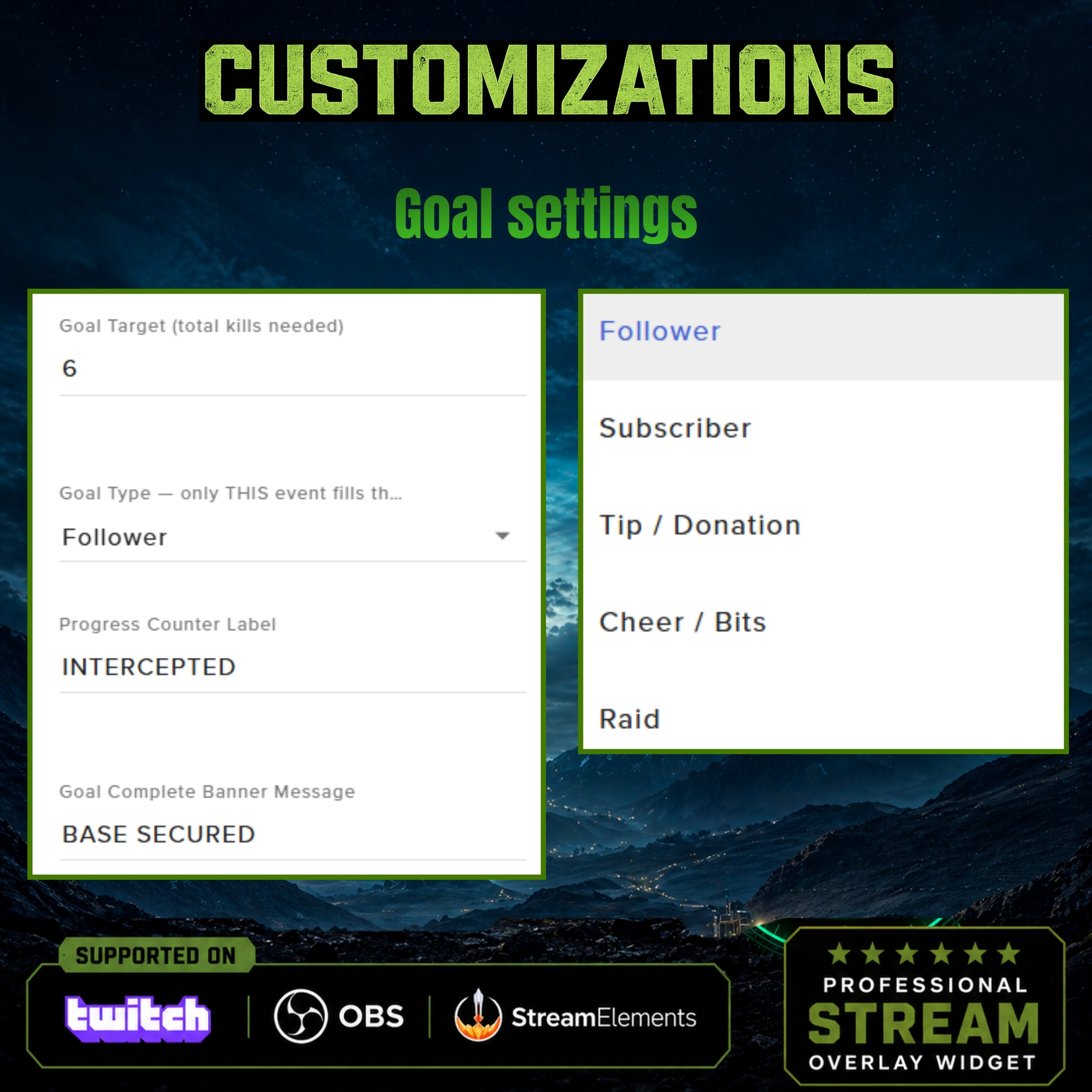
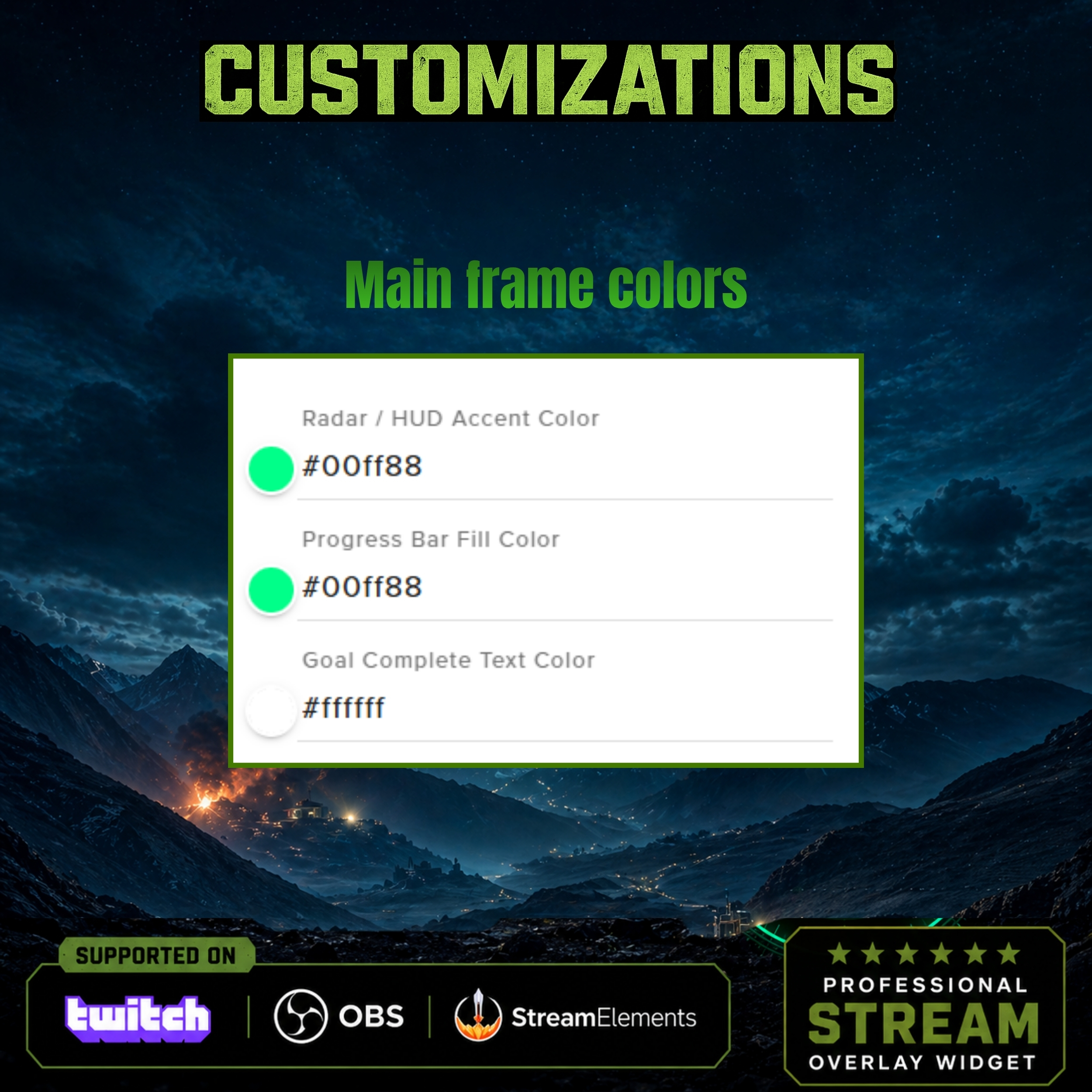
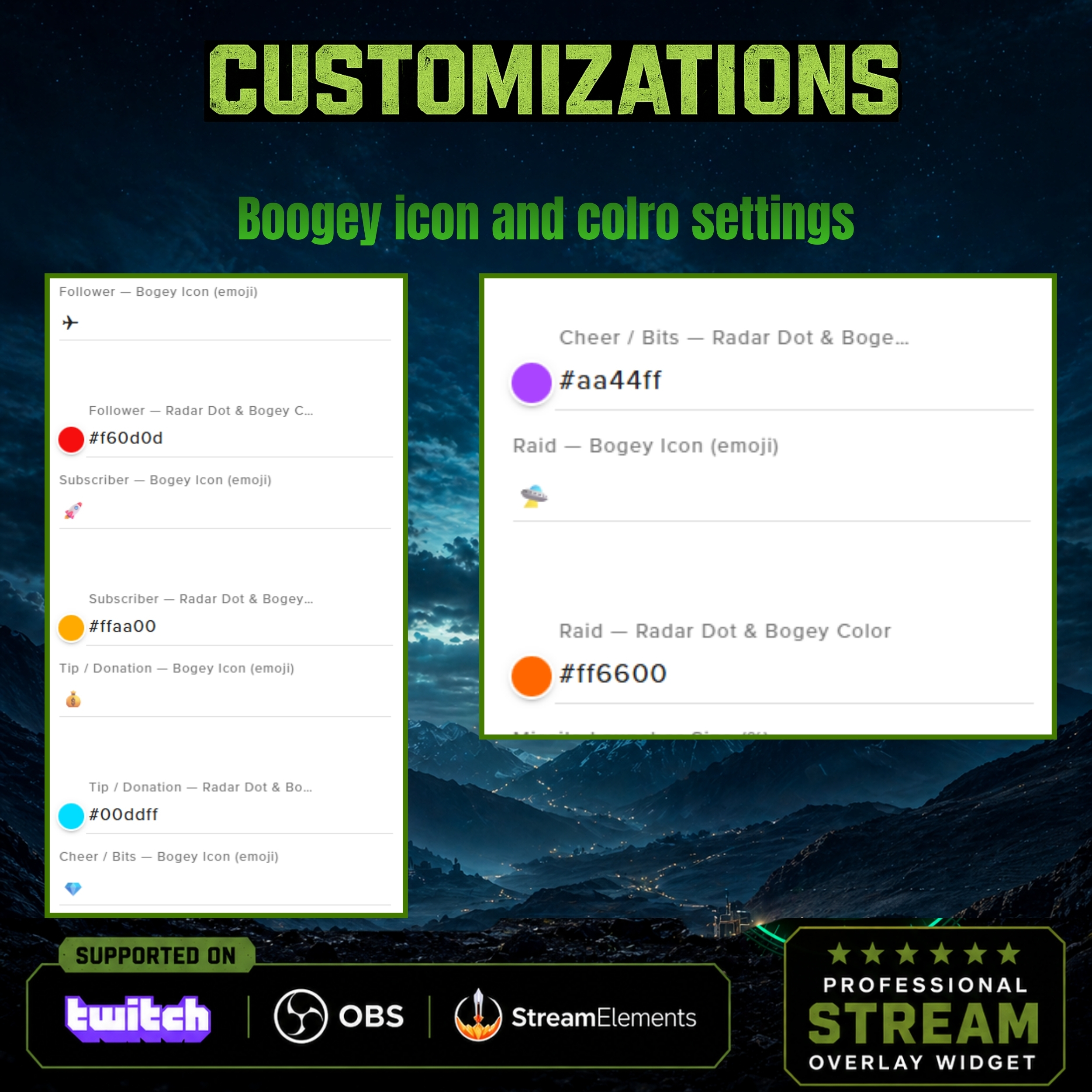
Extensive Color Control: Fine-tune the neon glow to match your specific branding with wide-ranging color customization options for every element.
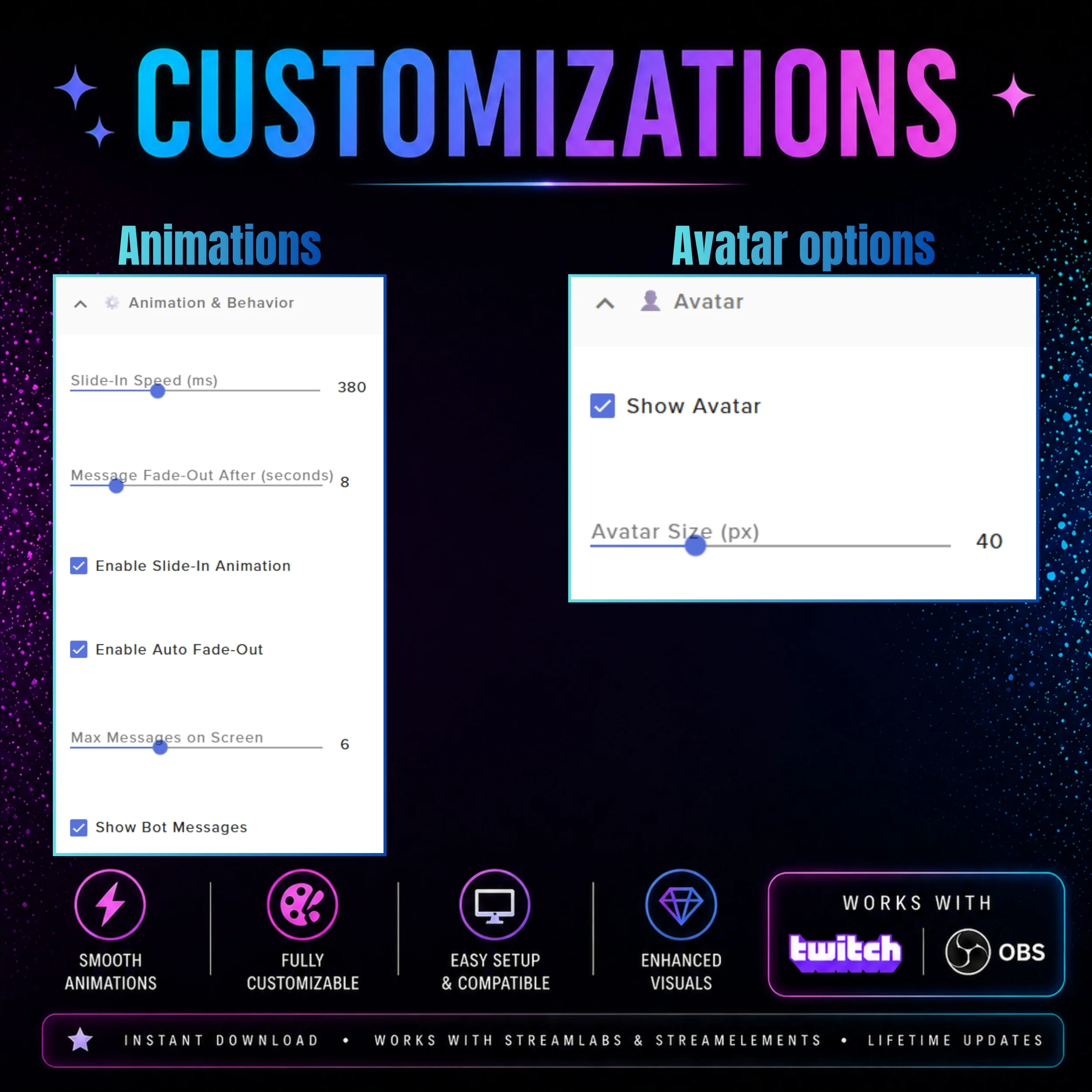
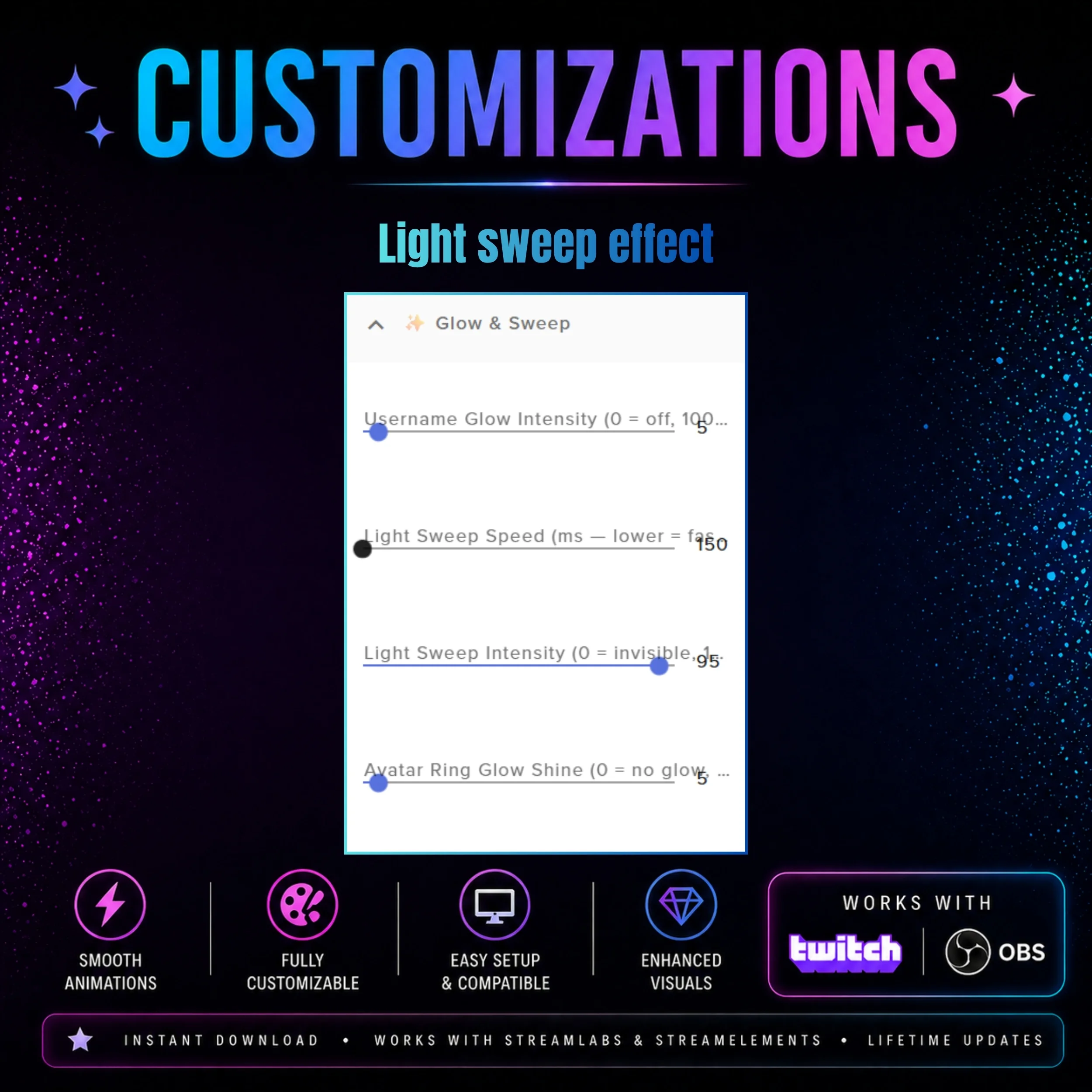
Animated Visual Effects: Experience unique animated effects that bring the cyberpunk theme to life with smooth, high-performance transitions.
Automated Message System: Keep your chat active and informed with an included automated message system that is fully customizable to your needs.
⚙️ How It Works
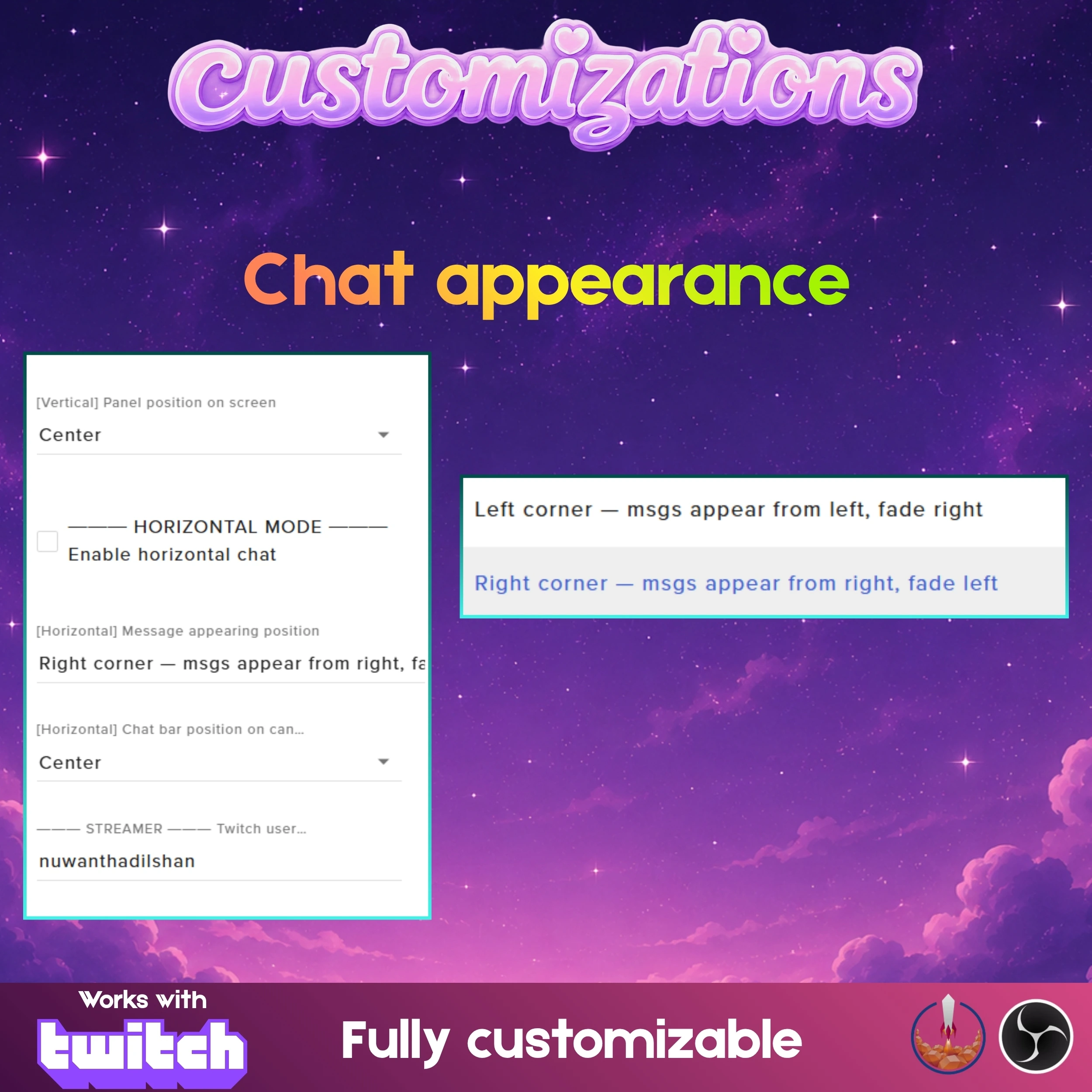
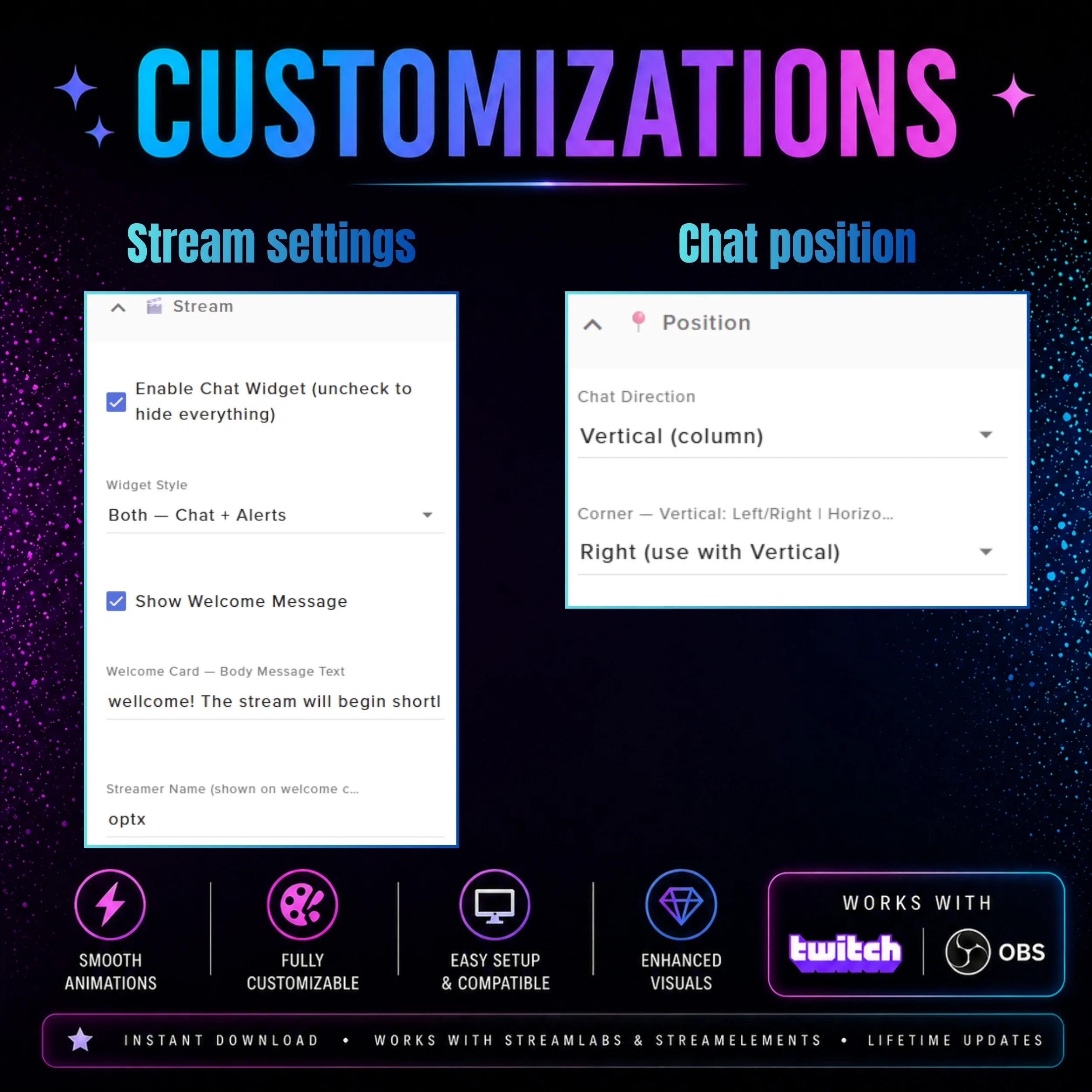
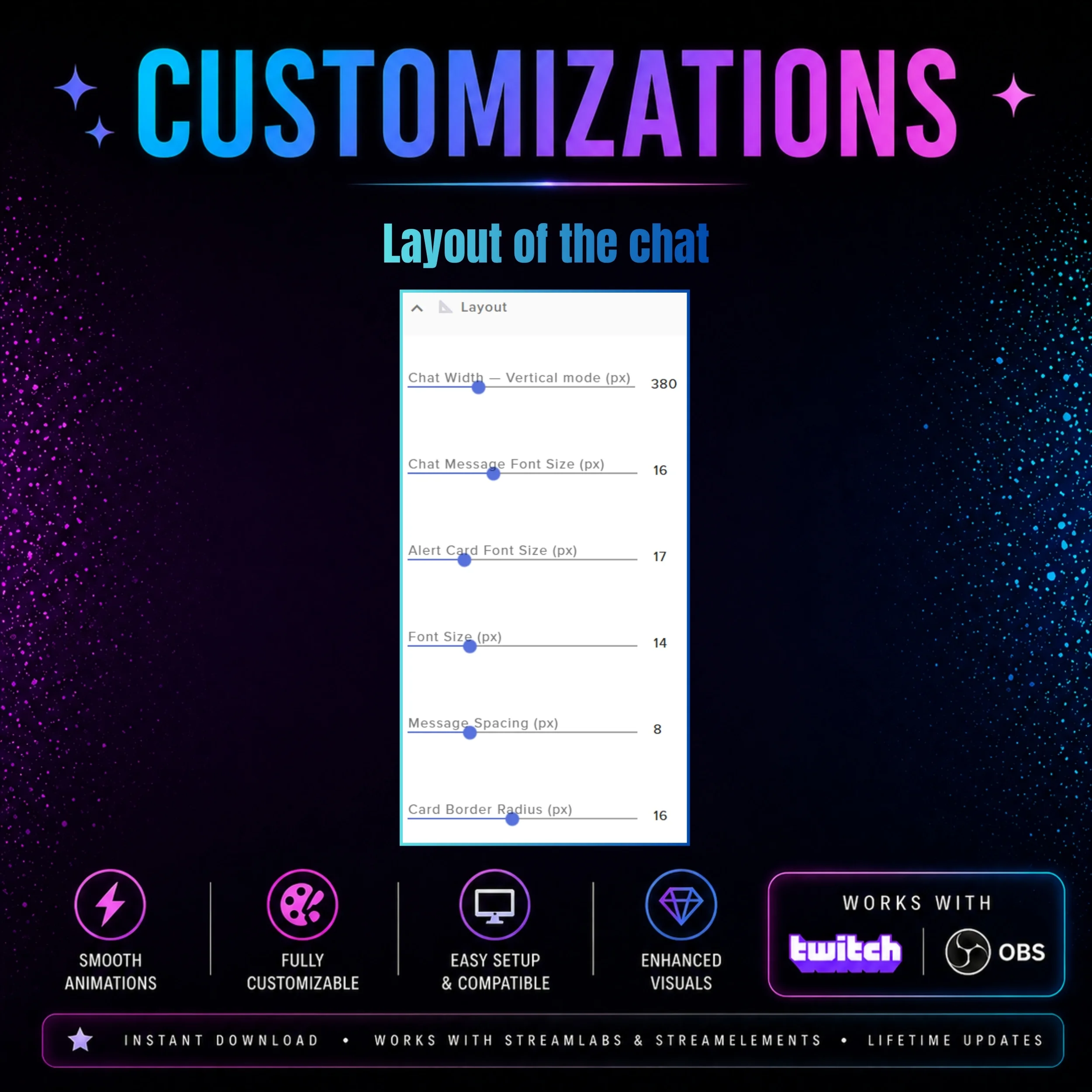
Setting up this comprehensive chat and alert system is a straightforward process designed to get you live quickly. tell a full guide pdf will be provided and if you have any issue please contact our designin team. You will simply need to import the widget into your StreamElements dashboard and add the resulting URL as a browser source in OBS. The intuitive settings menu allows you to adjust the layout and positioning to fit perfectly within your current overlay design.
📌 Important Notes
This widget is fully compatible with Twitch, OBS Studio, and StreamElements. To ensure the neon effects and animations appear as intended, please verify that hardware acceleration is enabled in your OBS browser source settings. This system is designed to be lightweight, ensuring it does not impact your stream's performance while providing high-quality visuals.
💬 Need Help or Custom Design?
If you need any help setting things up, customizing your widget, or want a fully custom design made just for your stream, feel free to contact me.
Discord: https://discord.gg/jWcjy7furP
Email: support@getstreamwidgets.com
What's Included
Product Details
- PublishedMay 6, 2026
- UpdatedMay 6, 2026
- Total Views123
- PlatformTwitch
- Widget TypesChat WidgetsAlert Widgets
Similar Products
More items from this category